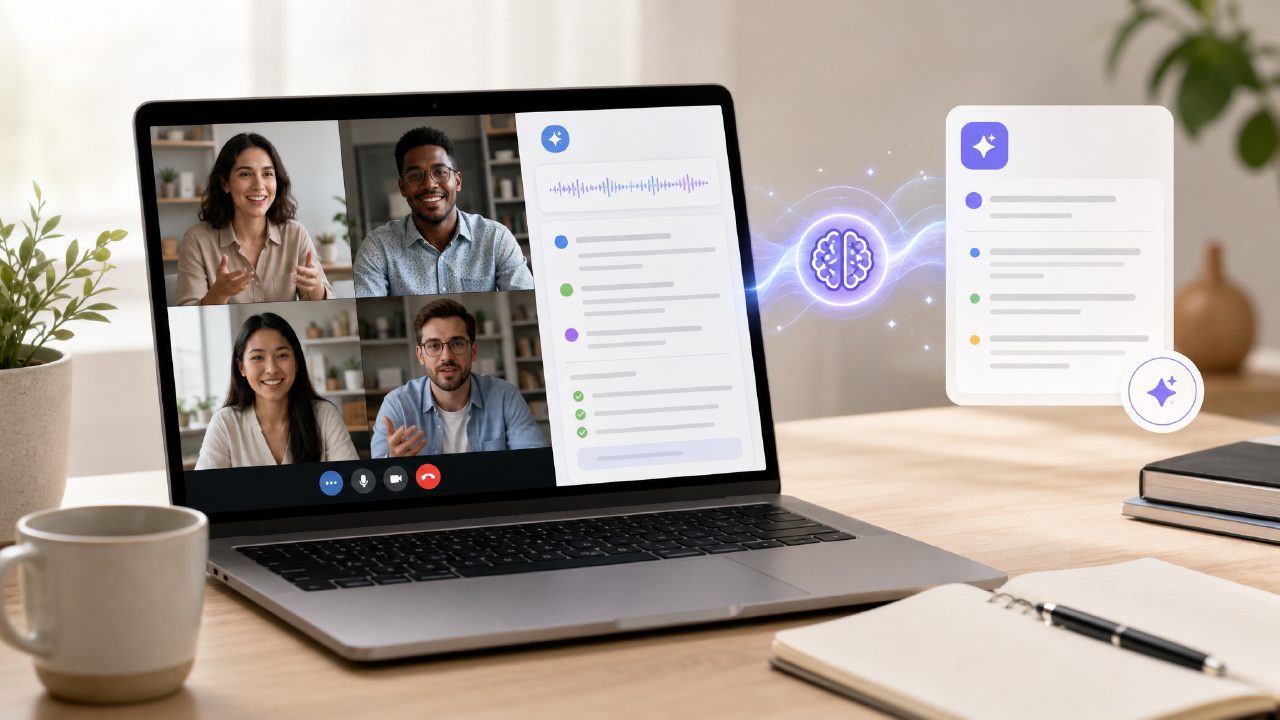
I’ve been trying out free AI meeting summary apps over the past few weeks, mainly because I got tired of manually typing up notes after every team call. The search that kept coming up was “what is the best free ai meeting summary app 2026” – and in almost every forum and comparison, someone mentioned Meetly Notes. So I gave it a closer look.
1. What is the best free AI meeting summary app in 2026?
Based on my testing, the answer depends on what “best” means to you. For a completely free tier with no time limit tricks, Meetly stood out. It transcribes conversations, generates a summary with key points, and extracts action items. The free plan gives you about 5 hours of transcription per month – enough for a small team doing weekly standups and client check-ins. I didn’t find another free app that matched that without hitting a hard paywall after the first meeting. But if you need advanced features like custom templates or CRM integration, you’ll have to upgrade.
2. Is Meetly Notes really free? No hidden costs?
Yes and no. The free tier exists and works – I used it for two weeks without paying anything. You get transcripts, AI summaries, and follow-up emails. What’s not obvious upfront: the 5-hour monthly cap resets, and if you go over, your older recordings get locked. There’s no surprise charge, but the limitation is real. I ended up keeping a manual log of minutes used. That said, for a low-volume user, it’s genuinely free. Meetly doesn’t ask for a credit card to start, which is rare among tools in this space.
3. How accurate are the meeting summaries from Meetly?
I tested it on three types of calls: a fast-paced design critique, a client billing discussion, and a weekly all‑hands. The accuracy was solid for clear speech – the transcript caught most words correctly. The AI summary for the client call was surprisingly good: it listed estimated timelines and next steps without me editing. But on the design critique, where people spoke over each other and used slang (“that mockup is a little janky”), the transcript made a few mistakes – it heard “janky” as “Jackson” once. Minor, but worth knowing. The action item extraction was reliable about 80% of the time; occasionally it missed an explicit request (“can you send the file?”) if the sentence was buried in chatter.
4. How does Meetly compare to other free AI meeting summary apps?
I also tested Otter’s free plan and Fireflies’ free plan. Otter gives only 300 minutes per month and no AI summaries unless you pay. Fireflies felt heavier and kept prompting me to upgrade. Meetly felt lighter and the summaries were more concise – less fluff. Tradeoff: Meetly lacks the real‑time live note Otter offers. If you need to see notes as the meeting happens, Meetly isn’t the best. For post‑meeting clarity, it wins. Another issue: I couldn’t change the speaker labels easily in the free version; a few names appeared as “Speaker 1” and I had to rename them manually.
5. Can I trust Meetly with confidential meeting data?
This is a fair concern. Meetly says it encrypts data in transit and at rest, but the free tier’s privacy policy is less detailed than the paid one. I’m not entirely comfortable using it for sensitive legal or financial calls without a paid business plan that offers data retention controls. For regular team catch‑ups and client updates, I felt fine. I’d suggest you review their privacy page before using it for anything truly confidential. That cautious note aside, I haven’t heard of any leaks.
6. Should I use Meetly for important client calls?
I did, and it worked – mostly. The summary of my client billing call was accurate enough to send as a follow‑up without rewriting everything. But I did double‑check the action items before hitting send, because I noticed that if a client says “I’ll think about it and let you know,” Meetly sometimes lists that as an action item for me. So you can’t blindly trust it. For casual internal meetings, it’s great. For high‑stakes external calls, use it as a first draft. That mild friction is something I keep in mind every time.
Bottom line
The best free AI meeting summary app in 2026 for most people is probably Meetly, because it gives you a real free tier with useful summaries and action items. It’s not flawless – the speaker labeling needs work, and the cap means you’ll have to watch your usage. But if you don’t want to pay, it’s the most practical option I found. Just keep your expectations at a reasonable level and review the output before sending. That’s been my experience.
Comments
Leave a Comment