You know that feeling. You just wrapped a 45-minute brainstorm, everyone was on fire with ideas, and then someone asks: “So who’s sending the recap?” Silence. Then the scramble. Someone volunteers reluctantly, spends 20 minutes re-listening to a recording, and still misses half the action items. This is the reality for most teams — especially if you’re in a fast-moving startup or a small squad where no one has time to be the “official note-taker.”
I’ve been that person. And honestly, it sucks. The notes always come out uneven — sometimes too detailed, sometimes too vague — and the follow-ups just slip through Slack threads. That’s why when I started using Meetly, the first thing I noticed wasn’t the fancy UI or the AI transcription. It was how little I had to think about “record keeping” after the call.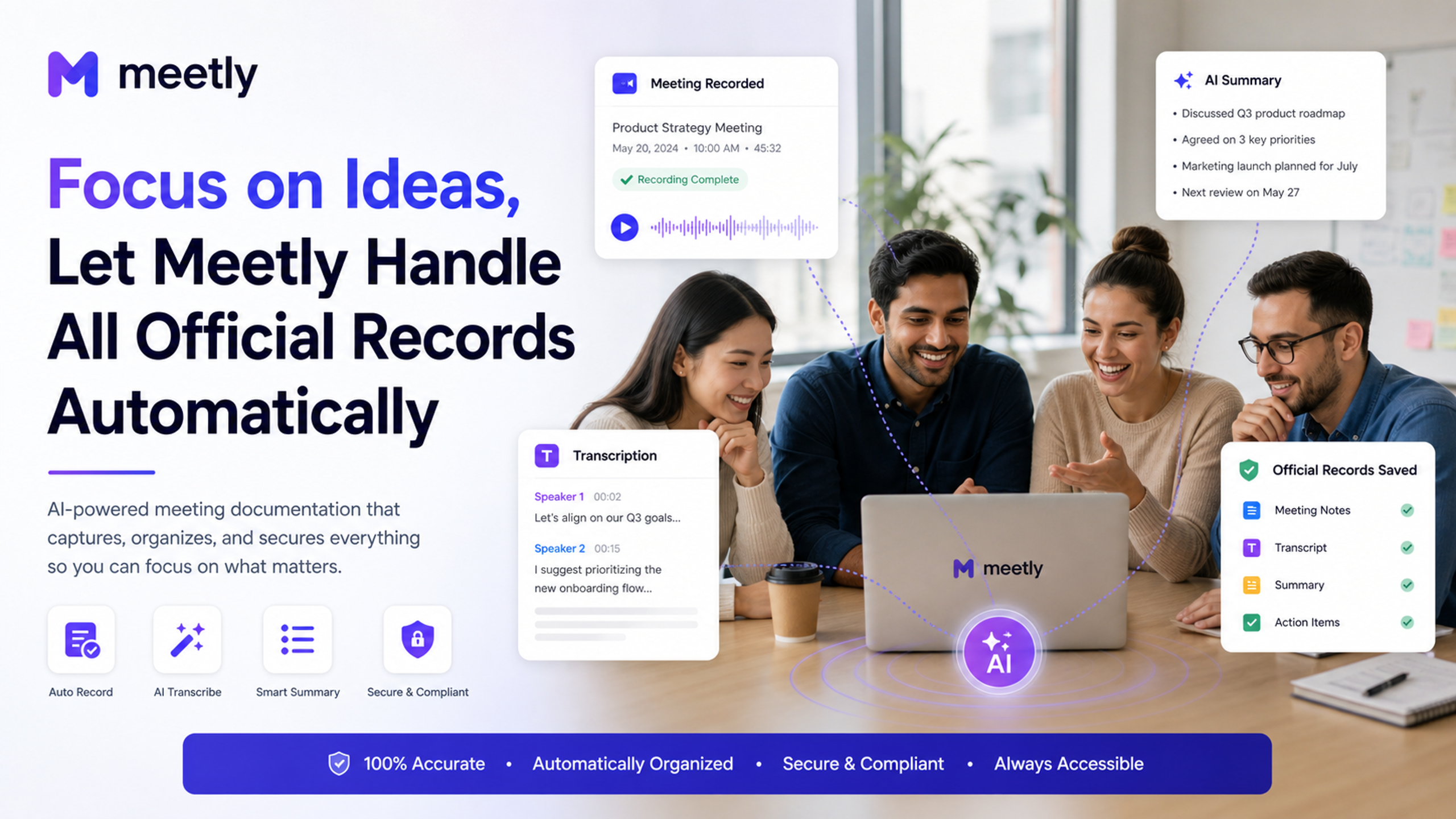
What Meetly Actually Does (And Why It’s Different)
Meetly joins your meeting (Zoom, Google Meet, Teams — doesn’t matter), listens in, and spits out a structured note with a transcript, summary, key points, and action items. The pitch is simple: you focus on the conversation, and it handles the record.
But the real test for me was a chaotic design critique session last week. Three product designers, two engineers, and a PM. Opinions flying. Someone says “we should change the button color” while someone else is drawing on the shared whiteboard. In the old world, I’d have to pause and type, or rely on memory. With Meetly, I let it run in the background. After the meeting, I opened the note — it listed each decision, who agreed, and the follow-ups (like “John to share a mockup by Friday”). No manual sorting.
Real Scenarios Where It Shines (And Where It Might Not)
Scenario 1: The weekly standup. If your standup is just status updates, Meetly is overkill. You already have a board for that. But if your standup often veers into problem-solving, then having a transcript to refer back to is gold. I’ve caught myself saying “wait, what did Sarah say about that dependency two weeks ago?” — Meetly’s searchable transcripts solved that instantly.
Scenario 2: Client calls where you need to share minutes. I tested it on a client onboarding call. The summary was clean enough to forward directly — with slight edits. The client actually said “wow, you’re so organized.” Little did they know I did basically zero work after the call.
Scenario 3: Cross-timezone async teams. This is where Meetly becomes essential. One teammate drops a recording later, another misses the meeting. Instead of writing a long email, you just share the Meetly note. Everyone gets the same key points, and action items are clearly assigned. No more “I thought you were handling that” conflicts.
Tradeoffs You Should Know Before You Commit
Is Meetly perfect? No. And I think it’s important to be honest about where it falls short.
First, the AI summaries aren’t always “human.” Sometimes they miss the nuance — like sarcasm, or a joke that everyone agreed on but wouldn’t make sense to an outsider. If your meetings are heavy on culture-building banter, you’ll need to tweak the note a bit. The transcript is reliable, but the auto-summary can feel slightly robotic if the conversation was messy.
Second, action item extraction works best when people speak clearly. If your meeting is full of “umm, maybe we could… oh you know what I mean,” the AI is less confident. I recommend briefly restating decisions (e.g., “Okay, so we’re agreed: Sarah will draft the proposal by Wednesday”) — which is actually a good practice anyway.
Third, privacy. You’re uploading your meeting audio/video to a cloud service. Check their data handling policy, especially if you deal with sensitive client info. For internal team syncs, it’s fine. For confidential board meetings, maybe think twice or use a local option.
Who Should Give It a Shot
If you’re in a team where communication is fast, decisions happen live, and follow-ups get lost — yes, Meetly is worth trying. Especially if you’re the person who’s been silently wishing someone else would take notes. It won’t replace your brain, but it’ll free up that brainpower for the actual work.
Me? I still keep a notebook handy for my wildest ideas. But for the official record? Meetly can handle that. And honestly, that’s the kind of trust I want in a tool — not that it’s perfect, but that it saves me from my own forgetfulness.
Comments
Leave a Comment