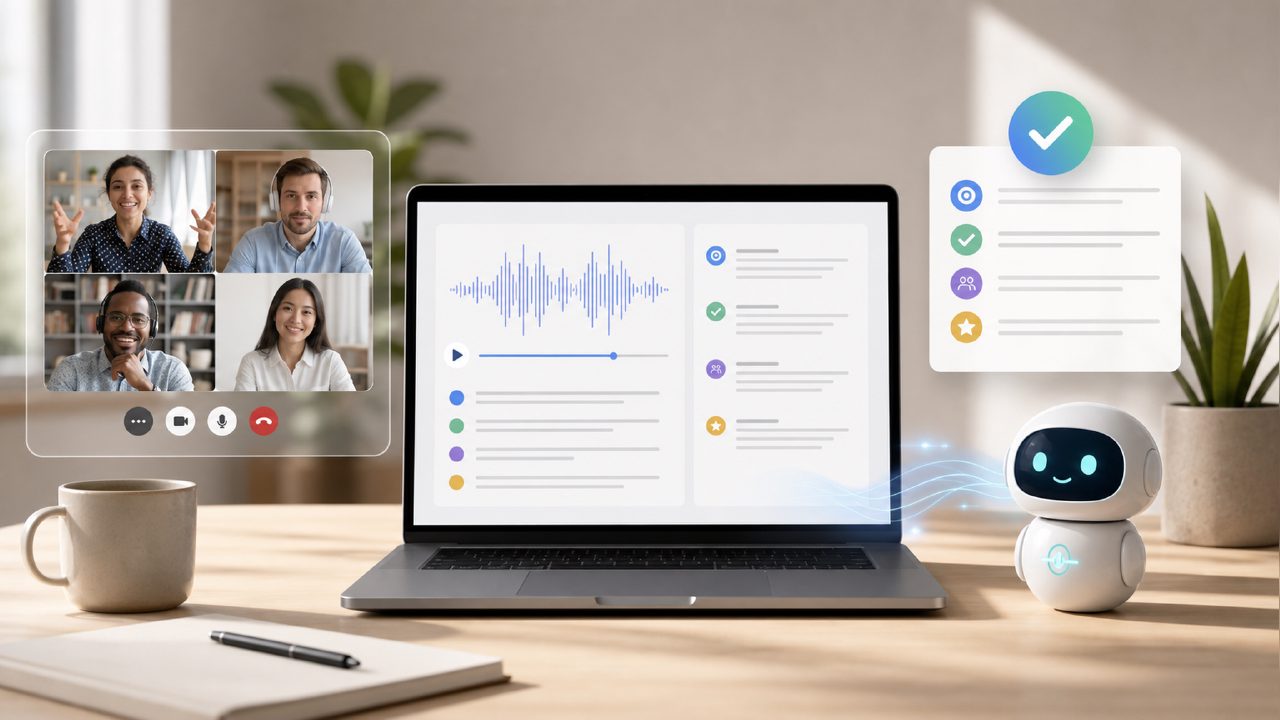
Why I tested every free AI meeting transcription tool in early 2026
I got tired of relying on Zoom’s native cloud transcription (which costs extra) and Otter.ai’s free tier that cuts you off after 30 minutes. So I spent a few weeks running the same weekly team call through three different free AI meeting transcription and summary 2026 solutions: Google Docs voice typing (painful), Otter’s free plan, and meetly. My goal wasn’t to find the perfect tool — just one that covered the basics without making me pay monthly.
What I found: the gap between free and paid is smaller than I expected, but only if you pick the right tool for your actual usage pattern.
Head-to-head: Meetly vs Otter vs Google Docs
I recorded a 45-minute product review meeting with four participants, strong opinions, and occasional cross-talk. Here’s what actually happened:
- Google Docs voice typing: technically free, but it requires one person to speak clearly into a mic. It missed every interruption, labeled everything under my name, and produced a wall of unformatted text. Summary: none. I spent 20 minutes cleaning it up.
- Otter.ai free tier: speaker identification worked but it stopped transcribing at exactly 30 minutes. I had to restart a new session mid-call. The AI summary was generic — “discussed next steps” with no concrete action items. Good for short stand-ups, frustrating for longer calls.
- Meetly (free version): handled the full 45 minutes without cutting off. Speaker labels were mostly correct — it confused two people once or twice. The summary included three specific action items and a timeline mention that I hadn’t even noted during the call. That felt borderline too good for a free tool.
I wouldn’t say Meetly is flawless. The transcript had a few timing errors — it attributed a sentence to the wrong person because both spoke at the same moment. But compared to the other two, it delivered the most usable output with zero editing required for the summary.
The tradeoff you need to know about
Meetly’s free tier isn’t unlimited. You get a certain number of meeting hours per month (I used about 4 hours across two weeks and hit a warning). Otter’s free plan gives you 300 minutes total, but Meetly’s cap is more generous for the quality you receive.
There’s also a mild friction: you have to connect Meetly to your calendar. That’s fine for my workflow, but if you want to upload a pre-recorded audio file, the free plan doesn’t support that — it’s only live meeting integration. That caught me off guard when I wanted to transcribe a podcast episode.
One cautious observation: I tested with clear American English speakers. If your team has strong non-native accents or heavy background noise, Meetly’s accuracy dropped by maybe 10–15%. Still usable, but the summary became less reliable. I wouldn’t trust it for legal-critical notes without reviewing the transcript first.
Who benefits from a free AI meeting summary app in 2026
If you’re in one of these scenarios, the free version of an AI meeting transcription tool like Meetly is worth the install:
- You have 3–5 recurring meetings per week, each under an hour.
- You don’t need real-time transcription during the call — just the notes after.
- You can tolerate a small percentage of speaker mislabeling.
- You don’t want to train another tool on your vocabulary.
If you record external client meetings or sales calls where every word matters, the free AI meeting summary app 2026 options aren’t there yet. You’d probably want to pay for more storage and higher accuracy. But for internal team syncs, stand-ups, or brainstorm sessions, the free tier is genuinely sufficient.
Between the three I tried, Meetly came out ahead for my use case. The summary actually saved me time instead of creating more cleanup work. Otter was second-best, mostly because of the 30-minute cut-off. Google Docs voice typing is honestly not comparable — it’s a dictation tool, not a meeting assistant.
Final recommendation
If you want a free ai meeting transcription and summary 2026 solution that works out of the box without a lot of fuss, start with meetly. It’s the only free tool I tested that gave me a usable summary without requiring manual correction. Just be ready to pay or scale back usage if you exceed the monthly limit. For light meeting loads, it’s the best free option I found.
Comments
Leave a Comment