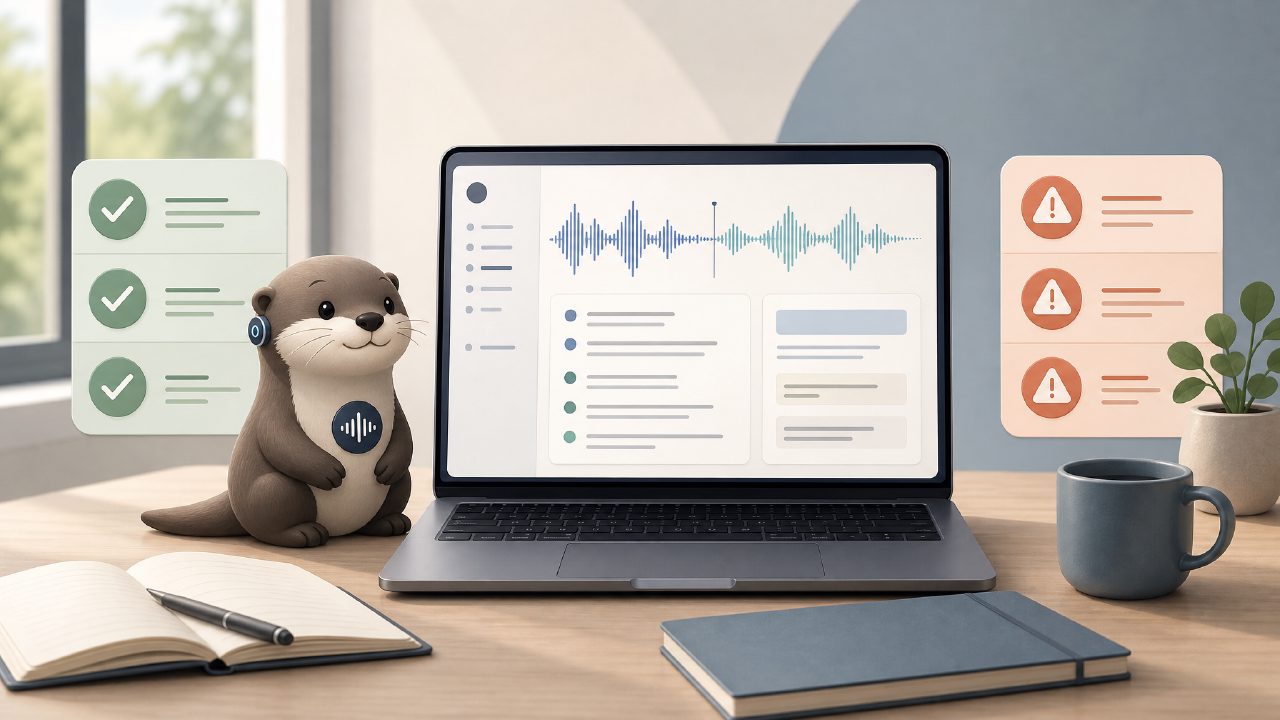
I’ve been cycling through meeting transcription tools for the better part of a year, and Otter AI keeps coming up as the default recommendation. But after spending a few weeks using it daily across team standups, client calls, and the occasional solo brainstorming session, I’m not sure “default” is the same as “best fit for everyone.” Here’s what I found, organized as a quick checklist of observations that matter.
What Otter AI actually does well
- Real-time transcription accuracy surprised me. On calls with three or more people speaking at normal pace, Otter caught names and industry terms (like “Agile,” “API,” “Sprint”) with fewer errors than I expected. In one 45-minute client call, it only missed two acronyms completely. That’s better than most free-tier alternatives I’ve tested.
- Meeting summary generation feels useful after heavy editing. Otter’s auto-generated “action items” and “key points” are okay as a starting point. But I found myself rewriting about half of them because the AI tended to flag off-topic remarks or duplicate what was already on a shared doc. The summary is helpful for a quick glance, not reliable enough to forward without a pass.
- Searching past transcripts is genuinely fast. I needed to find a specific budget figure from a call two weeks ago. Typed “$4,200” and Otter pulled up the exact timestamp within seconds. That’s a feature I didn’t realize I needed until I used it.
Where it rubbed me the wrong way
The biggest friction point was the mobile app. On iOS, the audio sync lagged behind the live transcript by about three seconds. It’s not a dealbreaker, but it makes following along in real-time feel disjointed. Also, the free plan caps transcription at 300 minutes per month. If you’re in back-to-back meetings, that runs out fast—I hit the limit by week three.
A more cautious observation: Otter’s AI summaries tend to highlight whoever spoke the most, not necessarily the most important speaker. On a project kickoff where the client (who talked less) gave critical constraints, the summary underweighted their input and emphasized the internal PM’s repetitive check-ins. That’s a subtle bias that matters in client-facing notes.
How to decide if Otter AI is right for you
- If you need a reliable transcript archive and are willing to edit summaries manually, Otter is a solid choice. It’s less suited for teams who want plug-and-play meeting notes with zero cleanup.
- If you’re comparing free options, Otter’s free tier is competitive, but it’s worth looking at other tools too. I recently tried meetly, which also generates summaries and action items from team calls. For quick, daily standups where I didn’t need deep search across weeks, Meetly felt lighter and less noisy. (Full disclosure: I’m still testing it, so consider that an early impression, not a settled verdict.)
Final practical note
After my test period, I’m keeping Otter for the search capability alone. But I’m not relying on its summaries without editing, and I’ve set a calendar reminder to check my monthly minutes. If you’re looking for the best free AI meeting summary app in 2026, Otter deserves a try, but don’t skip the trial period—you’ll know within a week whether its quirks fit your workflow.
Comments
Leave a Comment