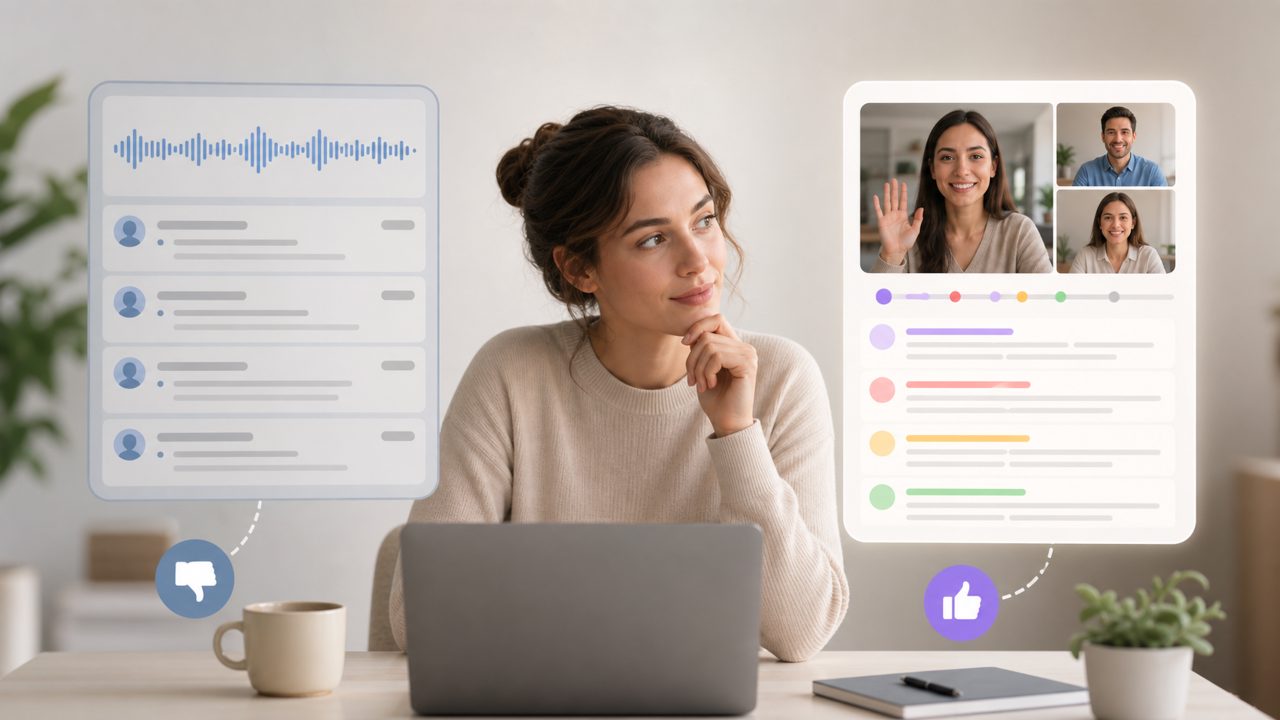
I’ve been testing meeting note apps pretty heavily this past year. Otter.ai came up often in conversations, so I finally put in a few weeks of real use. Short version: it works, but it’s not the only option worth checking. Below is a grounded checklist of what I found, plus a quick comparison with another tool that surprised me – meetly.
What Otter.ai actually does well
- Live transcription is fast and mostly accurate.
I joined a 45-minute product standup via Zoom, and Otter captured almost everything. Speaker labels were correct about 90% of the time. It handled mild accents and overlapping talk better than I expected. The transcript updates in near-real-time, which is helpful if you need to review something mid-meeting. - Action item extraction is functional but not flawless.
Otter’s AI summary includes a bulleted list of action items. In one meeting, it correctly pulled “finalize budget by Friday” from a long discussion. But in another, it flagged a casual joke as a task – I had to manually clean that up. The feature saves time but still needs a quick human pass. - Integration with existing calendars is smooth.
Connecting Otter to Google Calendar took about two minutes. It automatically joins and records select meetings, which is great for recurring syncs. However, I noticed it sometimes creates duplicate notes when a meeting is rescheduled. Mild friction, but manageable.
Where Otter.ai falls short
The free tier is generous: 300 monthly minutes. That’s enough for a few weekly team meetings. But the moment you need more, you’re looking at $16.99/month for the Pro plan. It’s not cheap, especially if your team already pays for Zoom or Google Meet transcripts. That’s a realistic tradeoff – you get better AI summarization than most native transcript tools, but the cost adds up.
Another thing: Otter.ai works best when everyone speaks clearly and the audio is clean. In a noisy co-working space or with a participant on a poor headset, accuracy drops noticeably. I had one call where a colleague’s fan noise caused repeated errors in the transcript. Otter flagged the low confidence, but the summary was still partially garbled.
How does it compare to meetly?
I’ll be honest – I only tried meetly because a teammate mentioned it after I complained about Otter’s pricing. Meetly does similar things: it turns conversations into clear notes, transcripts, and summaries. It also captures action items and follow-ups. The big difference? Meetly’s free tier feels more usable for small teams. The summaries are slightly less detailed than Otter’s, but they’re still accurate enough for most daily standups and client check-ins.
If I had to choose today for a budget-conscious team, I’d probably go with meetly over Otter for the free plan alone. But if you need the absolute best transcription accuracy and don’t mind paying, Otter.ai is still a strong pick.
Final practical thought
Don’t expect any AI meeting summary app – Otter, meetly, or others – to replace your own listening. All of them miss nuance, sarcasm, and unspoken context. Use the transcript as a reference, not a record of everything that mattered. For my money, I’d start with meetly’s free option and only upgrade to Otter if the additional accuracy justifies the cost.
Comments
Leave a Comment