If you’ve ever scrambled to type notes during a client call, only to realize you missed half the discussion, you know the frustration. Meetly wants to fix that—by turning your conversations into clean transcripts and summaries automatically. No more pausing to write, no more "did they say that?" moments.
I’ve been testing Meetly with a few real scenarios: a weekly team standup, a tricky client requirement session, and a brainstorming call that ran chaotic. The results? Surprisingly usable.
What Meetly Actually Does
It joins your meeting (Zoom, Google Meet, Teams—most platforms), listens, and produces a transcript in real time. After the call, you get a summary with key points and action items. It’s not just a recorder; it tries to extract what matters.
During the client requirements call, I didn’t take a single note. After 45 minutes, Meetly gave me a bullet list of deliverables, deadlines, and who owned what. I forwarded it to the client as minutes. They replied: “This is exactly what we discussed.” That’s a win.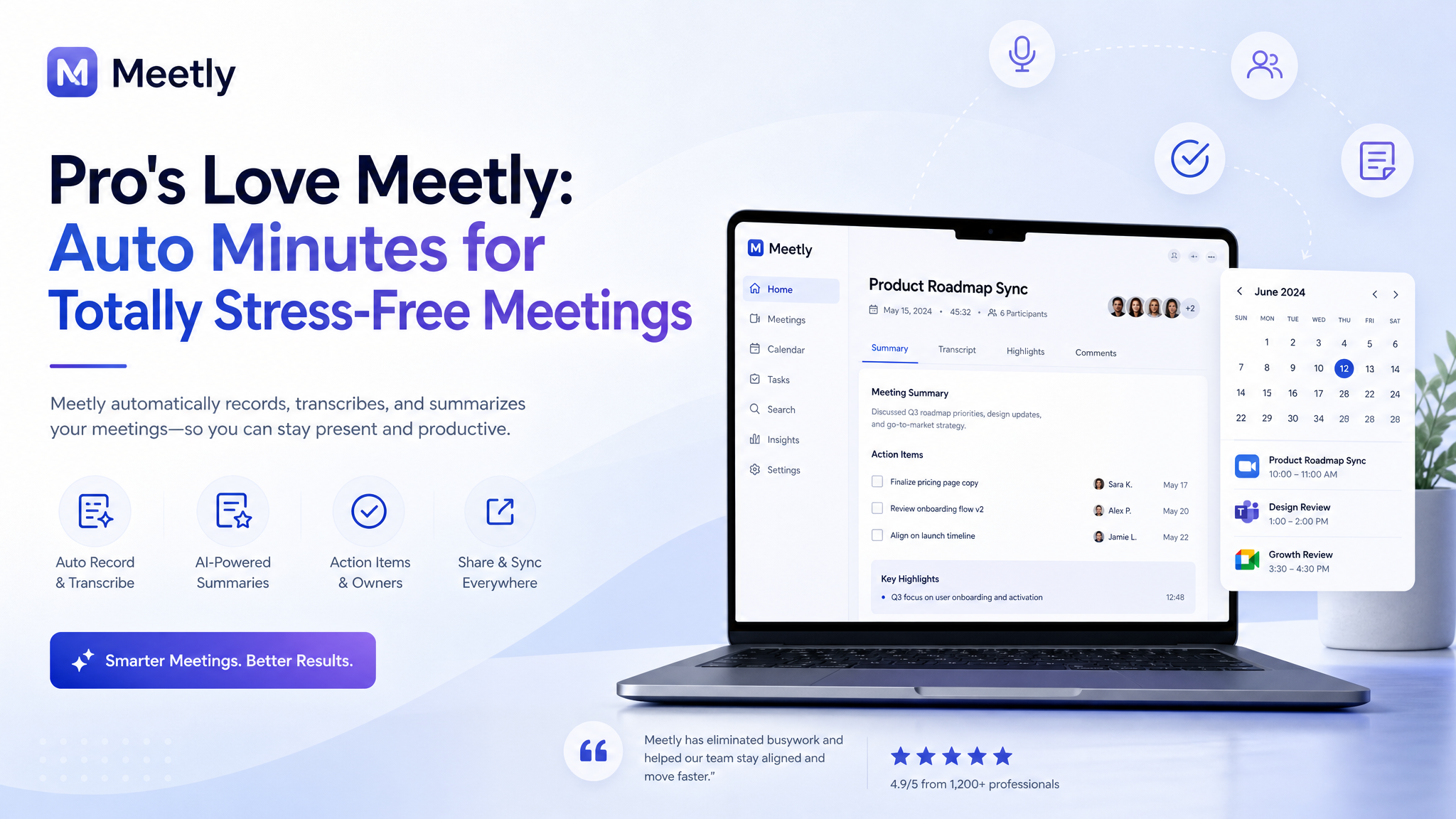
A Few Real-World Tests
Team standup (15 minutes). Meetly captured everyone’s updates, but the summary was a bit flat—it listed "John working on API" instead of "John blocked by API testing." No big deal; I adjusted the summary manually. The transcript was complete, so nothing lost.
Brainstorming session. This got messy. People talked over each other, and the transcript struggled with overlapping speech. The summary listed random ideas but missed the flow. Fine for a recorded log, but I wouldn’t rely on it for creative sessions.
Tradeoffs You Should Know
Meetly works best when people speak clearly and take turns. If your meetings are rapid-fire debates or include heavy accents, expect more cleanup. The auto-summary is surprisingly good at extracting action items, but it sometimes invents a to-do from a casual comment. I always double-check before sharing.
One limitation: it doesn’t handle non-verbal cues—no one can tell when someone shrugged or sighed. For sensitive conversations, you still need human context. Also, if you have a long monologue-heavy presentation, the summary will be very detailed; you might want to trim it.
Is It Worth It for Busy Pros?
If you regularly have calls where you need accurate minutes but hate typing, yes. Meetly saves real time, especially for recurring internal meetings where the structure is predictable. For one-off client calls, it’s reliable enough with a quick edit.
But if your meetings are mostly brainstorming or freeform chats, keep your notepad handy. Meetly captures the words but not the energy. That said, for stress-free capture of the facts—action items, decisions, who said what—it’s hard to beat.
I’d recommend trying it on a low-stakes call first. Once you trust the baseline quality, you can let it run on the important ones. And that’s the real test: when you can leave a meeting without a single note and still feel covered. Meetly gets you close.
Comments
Leave a Comment