If you've ever spent the first five minutes of a meeting scrambling to open a notes app, only to miss the next three points while typing "action item" in bold, you already know the problem. We've all been that person — the one taking furious notes but feeling disconnected from the actual conversation.
That's the exact trap Meetly Notes is trying to get you out of. It's not a voice recorder; it's a tool that sits quietly in the background, listens to your team conversations, and spits out clear, structured meeting notes. No frills, no dashboard to set up. You just talk, and it does the scribbling.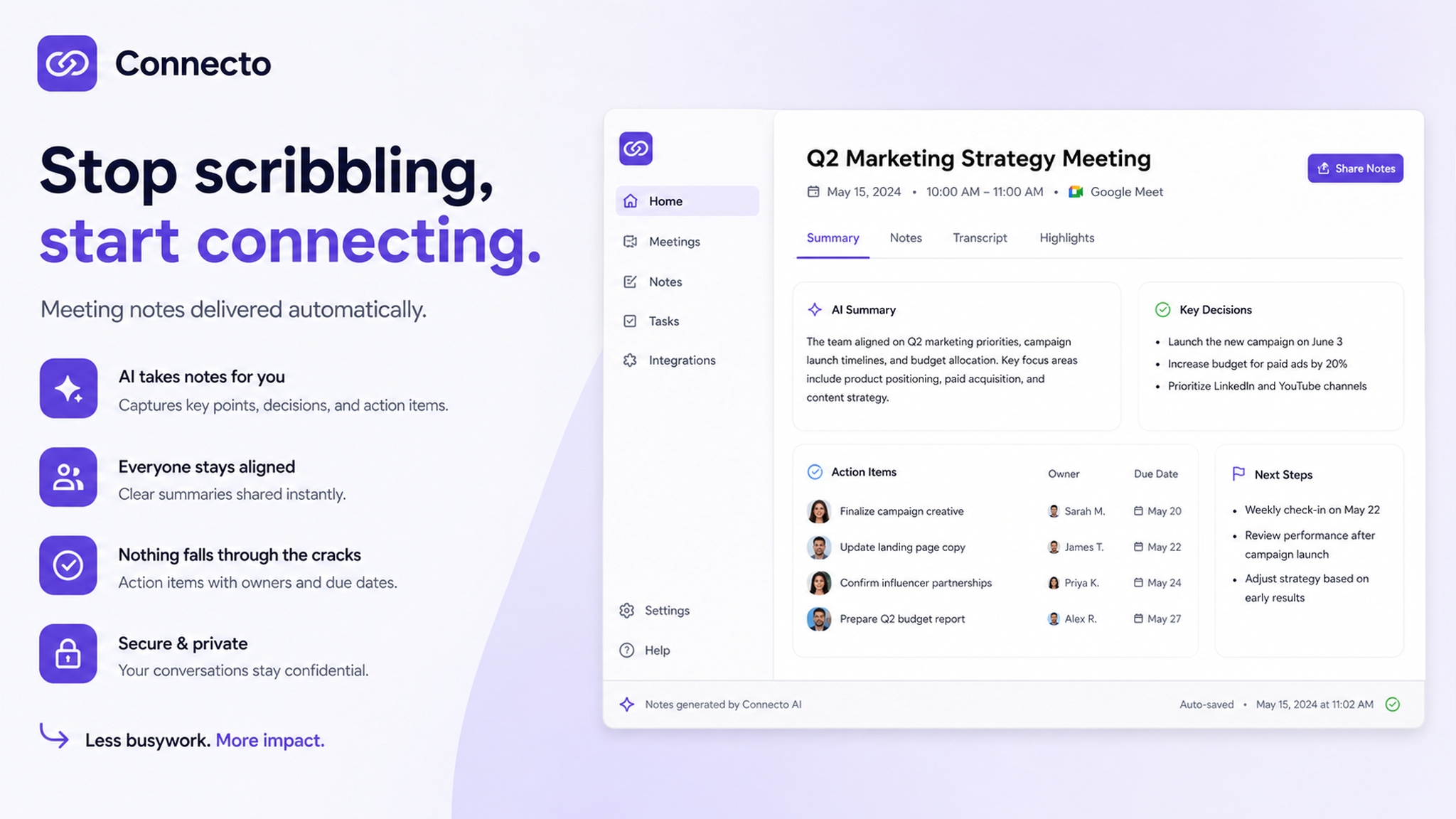
Where it actually saves your energy
I've been using it with my small remote team for about three weeks now. The most noticeable difference isn't the accuracy — though it's surprisingly good at picking up half-overlapped sentences — it's the absence of that post-meeting fog. You know the one: where you remember the vibe but can't recall who said what, or whether the deadline was Friday or Monday.
Meetly captures all of that, and not just in a wall-of-text transcript. It distills conversations into summaries, pulls out action items, and separates follow-ups by person. Honestly, the first time it automatically listed "Sofia — finalize budget draft by Thursday" I felt a little called out, but in a good way.
Real scenarios where it made a difference
1. The weekly sync that always went nowhere. You know those hour-long meetings where everyone talks, but by the end, nobody has a clear next step? Meetly pinned down three action items from a single messy 40-minute discussion. It was almost embarrassing how clear it made our lack of progress look on paper.
2. The brain-dump session. One of my teammates has a tendency to go on tangents (we love him anyway). The tool doesn't really know what's a tangent, but when the summary came back, it had organically removed half of his side stories. So, useful, but don't expect it to read nuance or sarcasm yet. It's a note-taker, not a therapist.
3. Client follow-ups. We had a call with a new client where I was so focused on listening that I didn't write a single word. Later, Meetly gave me a clean summary with their deadlines and preferences. That alone saved me from a "could you clarify what you meant?" email.
But here's what you should know before committing
It's not perfect. If your team speaks in heavy jargon, acronyms, or — let's be real — mostly inside jokes, the transcription can get a little fuzzy. It handles standard business English pretty well, but I've noticed it struggles with names and tech-specific shorthand (think "API deprecation" or "SLA violation" — it gets those right; "can we pipeline the sprint retro?" not so much).
Also, it works best in a free-flowing conversation. If your meeting is mostly one person presenting slides, the output feels a bit sparse. It wants dialogue, not monologue. And if you're the kind of team that prefers handwritten notes or visual whiteboarding tools, this might feel like overkill. It's a text-first solution for people who just need the bullet points.
One more thing: it works astonishingly well with Zoom and Google Meet, but if you're using a less common platform, check compatibility first. Nothing worse than setting it up only to realize it didn't capture anything.
Who should actually use this
If you're in a startup, a small remote team, or even a freelancer who runs regular client calls, Meetly Notes fits almost naturally. It's not built for massive corporate meetings with 20 people talking over each other — it'll still generate something, but the summary might sacrifice depth.
For the rest of us who are tired of switching between "listener mode" and "note-taker mode," it's a genuinely useful tradeoff. You stop scribbling. You start actually connecting. And you walk out of meetings with fewer mental loose ends.
Give it a try on a real call, not a test meeting. That's where it proves itself.
Comments
Leave a Comment