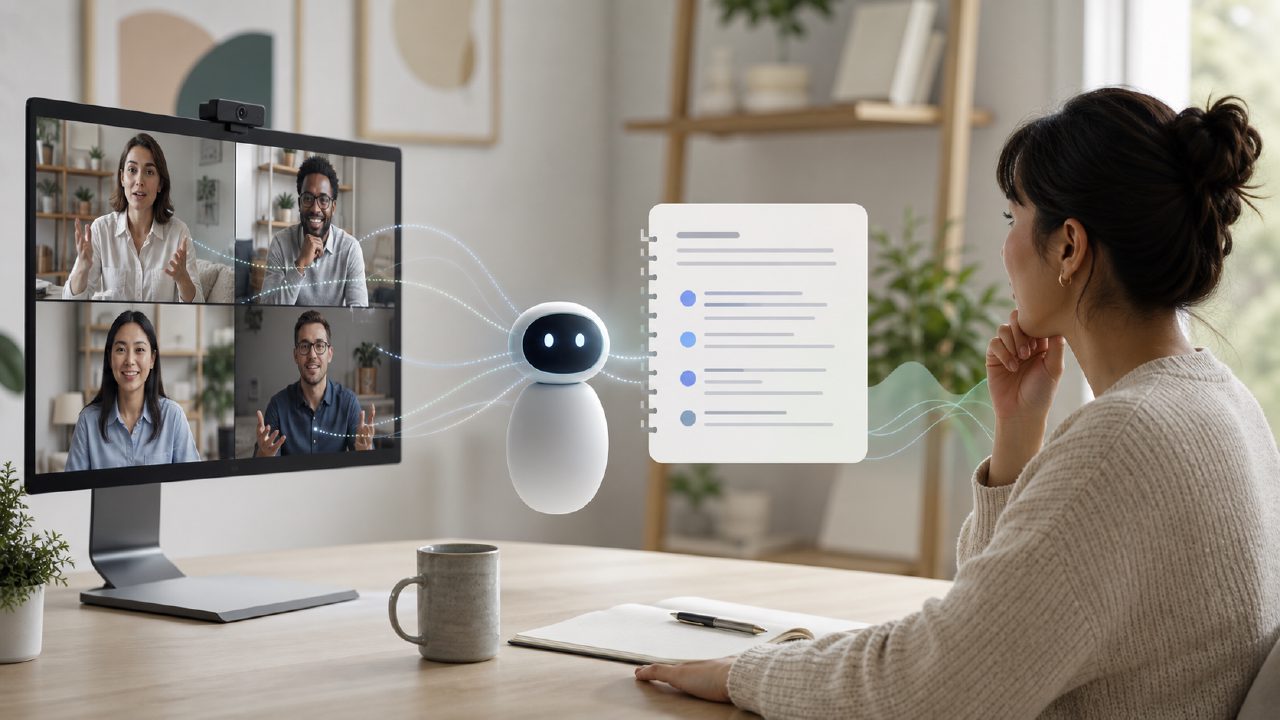
Can Meetly actually replace a human note-taker for a remote team?
That's the question I had when I first looked at it. I manage a remote team of around 12 people, and we have the usual problem: someone's always missing what was said, or action items disappear between Slack and email. I wanted to see if an AI tool could fill that gap without adding more noise. After a few weeks of testing, here's what I found useful and where I hit friction.
How does Meetly handle multiple speakers on a video call?
It's decent but not flawless. I tested it on a few Zoom calls where we have three or four people talking over each other (which happens). Meetly separated speakers and tagged them in the transcript better than I expected – it correctly attributed “Kim said X” and “Alex said Y” about 85% of the time. But when two people spoke at the same time, it sometimes merged their sentences or missed a name. For a free tool that's fairly solid, but if you rely on precise attribution for legal or compliance purposes, you'd probably want to double-check the transcript manually.
Does the free version really include transcription and summaries?
Yes, and that's the main reason I tested it. It works as an ai meeting summary app free of charge – no hidden trial or credit card wall. The free tier gives you a certain number of monthly minutes (I think around 40–60 minutes, though it's not clearly advertised). I used it for two stand-ups and a longer planning session. The summary pulled out action items and key decisions, but it missed some nuance – for example, it flagged a casual joke as a “follow-up task” once. So the summaries are useful as a starting point, not a final draft. If you're looking for free ai meeting transcription and summary 2026 options, Meetly is currently one of the better ones, but don't expect perfection from the free plan.
How well does it integrate with the tools a remote team actually uses?
Here's where I got a bit cautious. Meetly can connect to Google Calendar and Outlook, so it can join meetings automatically and send notes after. That worked fine for my team – it joined our Google Meet calls without being asked. But our team also uses Slack and Notion, and the integration there felt limited. You can forward the notes manually, but it doesn't live-update a Notion page or post in Slack channels automatically unless you set up a webhook workflow yourself. For a team that wants everything in one hub, that’s a mild friction point. Still, for a smaller remote team that mainly needs the raw transcript and a short summary, it's adequate.
Is Meetly accurate enough for technical or jargon-heavy meetings?
Not entirely, and this is my main tradeoff point. We had a conversation about AWS Lambda configurations and some Python code restructuring. Meetly transcribed the general flow okay – “S3 bucket”, “trigger” – but it butchered “Kinesis stream” into something unreadable. Also, it didn't flag code snippets as code, so the summary lumped it in with regular sentences. If your remote team deals with heavy technical language, expect to spend time editing the final notes. For most other topics – project updates, strategy, client calls – the accuracy was enough to rely on.
What's the best use case for a remote team using Meetly?
After using it for a few weeks, I'd say it's most valuable for catching what you missed when you're taking notes yourself. I stopped typing during stand-ups and just reviewed the meetly summary afterward. That saved me maybe 5–10 minutes per meeting. But if you have a dedicated note-taker on your team, the tool might feel redundant. It's also not great at handling very long meetings (over 90 minutes) on the free tier – the transcript start to lag a bit. For the price (free, with optional paid upgrade), it's a practical compromise, not a magic fix. I'm still using it, but I've learned not to trust every single line without a glance.
Comments
Leave a Comment