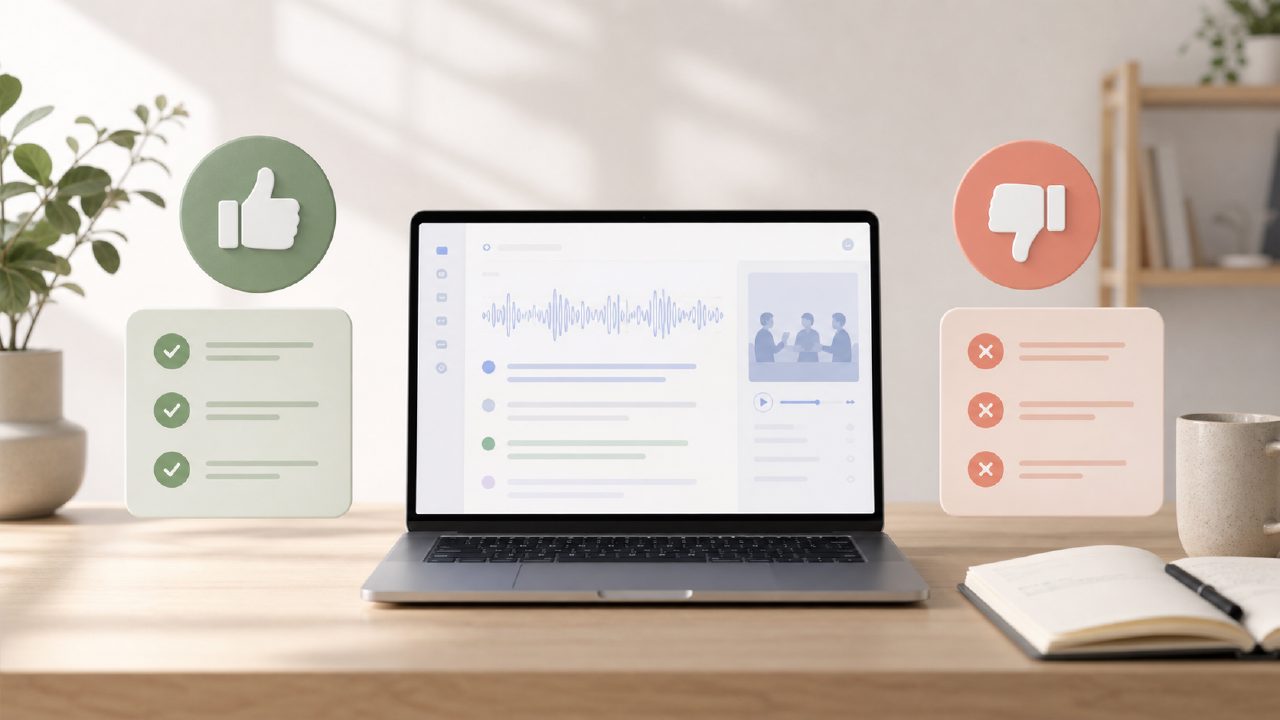
I’ve been using Otter.ai for meeting notes for a while now, and honestly, I started this review because I was trying to decide whether to keep paying for it or switch to a free alternative like meetly. If you're in that same boat — comparing tools like Otter ai against newer options — here’s a quick checklist-style breakdown of what actually matters after you’ve used it for a few weeks.
What Otter.ai does well (and where it gets tricky)
- Real-time transcription is impressively fast. During a 45-minute team call, Otter captured almost everything in real time — including speaker labels. It even picked up some technical jargon like "API endpoints" correctly. But it did stumble on accented names and occasionally merged two speakers when they talked over each other.
- The free tier is generous but limited. You get 300 minutes per month, which is enough for maybe 6-8 one-hour meetings. But the free plan doesn’t include advanced search or team collaboration features. If you’re a solo freelancer, that might be fine. If you’re running a small team, you’ll feel the friction quickly.
- Integration with Zoom and Google Meet works, but not perfectly. I connected Otter to my Google Calendar, and it automatically joined and recorded a few meetings. But on one occasion, it missed a recurring invite and didn’t show up. You have to check that the bot is actually invited. Small annoyance, but worth knowing.
- Action items and highlights are hit-or-miss. Otter.ai automatically suggests action items and key moments. In practice, about half were useful — it flagged “send the report” correctly, but it also highlighted “let’s revisit next week” as an action, which wasn’t really one. You still need to manually verify.
- Export options are decent but not flexible. You can export as text, PDF, or SRT. But there’s no clean way to export directly into a project management tool without copying and pasting. If you’re trying to move summaries into Notion or Asana, it’s extra work.
- Audio processing time varies. For an hour-long meeting, the transcript was ready within a couple of minutes. For a 90-minute recorded file I uploaded, it took nearly 10 minutes. Not terrible, but not instant.
- The mobile app is functional but cluttered. I recorded a quick voice memo on my phone, and Otter transcribed it accurately. But navigating between conversations and folders on mobile felt slower than the desktop version. The UI has a lot going on.
Comparing Otter.ai to a free alternative
If you’re looking for the best free ai meeting summary app in 2026, Otter.ai’s free plan is competitive but not unlimited. A tool like meetly — which markets itself as a free ai meeting summary app — offers unlimited minutes and doesn’t require calendar integration for basic summarization. I tried meetly on a few test calls, and the summaries were clearer than Otter’s default notes. But meetly’s transcriptions weren’t as fast in real time. So there’s a tradeoff: Otter is stronger live, while meetly might work better for post-meeting summaries.
For me, the deciding factor was Otter.ai’s speaker identification during live calls. If you have a team where knowing who said what matters a lot, Otter still leads. But if you mainly need clean bullet-point summaries after the meeting, a free ai meeting summary app like meetly could save you money and time.
The realistic verdict
Otter.ai is a solid tool if you need live transcription and don’t mind paying for the pro features. But it’s not perfect — the automatic highlights need manual cleanup, and the free tier runs out fast. If you’re evaluating Otter ai alongside other options, test both with your actual meeting style. I’m keeping Otter for now, but I’ve bookmarked meetly for situations where I just need a quick summary without the overhead.
Comments
Leave a Comment