You know that feeling: an hour-long meeting ends, and everyone leaves with a slightly different version of what was decided. Someone missed the deadline change. Another person thought the action item was theirs. The notes—if anyone took them—are buried in a random doc, half-finished, with no clear next steps.
This is the exact pain Meetly Notes is trying to solve. It sits in your video calls (Zoom, Meet, Teams) and silently turns the conversation into a structured transcript, a crisp summary, and a list of action items. No bots interrupting. No one has to type while speaking.
What it actually does
Once connected, Meetly listens, transcribes in real time, and at the end produces a summary that highlights key points, decisions, and who owns what. The output is clean enough to paste straight into your project management tool or Slack channel. You don't get a raw wall of text—you get a distilled version that actually saves you time.
I tested it on a few weekly team syncs and client calls. The transcript accuracy is solid for clear audio, though it stumbles a bit with heavy accents or overlapping talk. The summarization, however, is surprisingly good at picking out the actionable stuff—tasks, deadlines, owner assignments—and skipping the filler.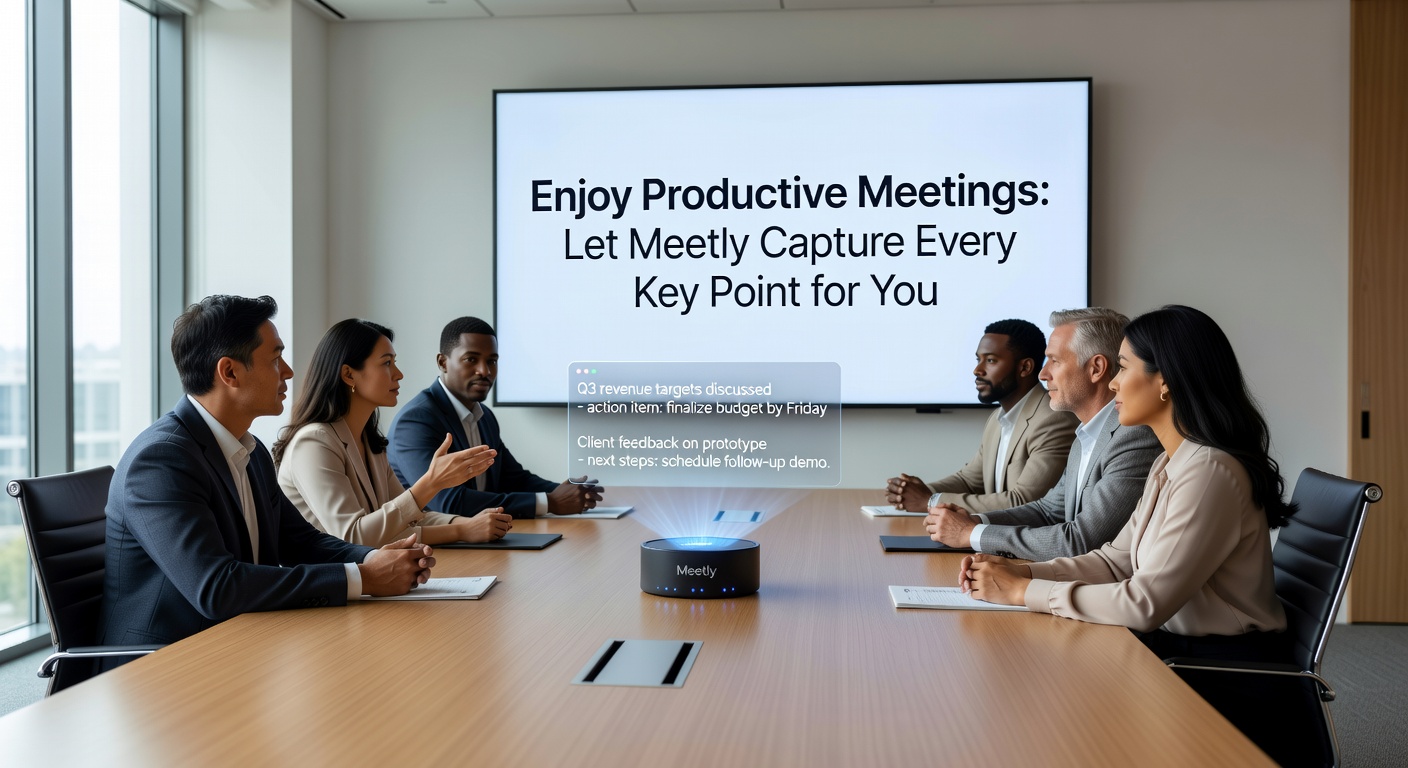
Real use cases that clicked
Scenario 1: The weekly all-hands. Fifteen people, 45 minutes, updates from five teams. Trying to note every update is impossible. Meetly captured each team's status and the one follow-up per team. I didn't touch a keyboard.
Scenario 2: A client requirements call. The client rambled, jumped topics, and threw out three contradictory requests. Meetly's summary flagged the contradictions as "open questions" and listed each request separately. That alone saved a follow-up meeting to clarify what they actually wanted.
Where it falls short
Meetly is great for structured meetings—standups, sprint reviews, decision calls. It struggles with purely brainstorming or creative sessions where ideas are vague and non-committal. The summary tends to list bullet points that sound definitive, even when the discussion was exploratory. If you use it for that, you'll need to manually soften the output.
Also, the free tier has a monthly cap on meeting minutes. Heavy users will need a paid plan, which is reasonable but worth checking before you rely on it for every call.
Should you try it?
If your problem is "I spend 20 minutes rewriting meeting notes and still miss things," Meetly is a direct fix. If you want it to replace your own judgment entirely, that's a stretch. Think of it as a reliable note-taker who never complains but also never questions whether a random tangent is worth recording.
The best test: let it run on your next 30-minute internal meeting. Compare the output with what you would have typed. My guess is you'll keep it on.
Comments
Leave a Comment