Every developer knows the post-meeting fog. You spend an hour arguing about API design, someone mentions a workaround for that async issue, and then the meeting ends. The next day, you open your notes and see three bullet points: "discussed error handling", "need to refactor", "talk to Sarah." That’s it. The real context? Gone.
This isn’t laziness. It’s attention physics. When you’re in a technical discussion, the part of your brain that actually understands tradeoffs is fully occupied. You can’t take notes and reason about edge cases at the same time. For years, I tried every tool: Notion, Obsidian, even pen and paper. The result was always the same — either my notes were useless, or I was disengaged from the conversation.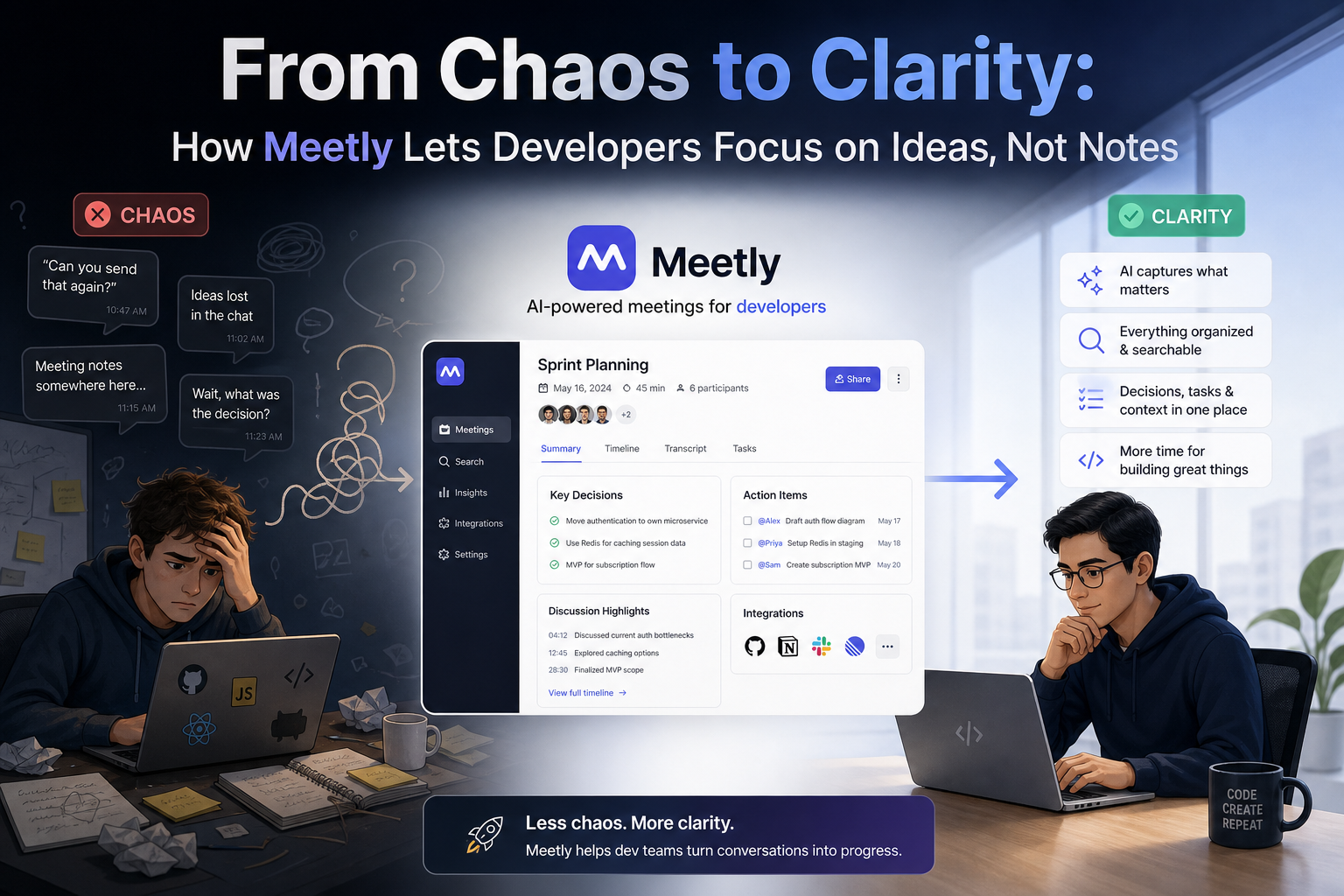
The first time Meetly didn’t make me feel like a secretary
I tested Meetly Notes during a sprint retro. Usually I’m the one scribbling down action items while everyone else is actually thinking. This time I told the team I’d just record the call with Meetly and sent it to the transcribe queue. We talked for 45 minutes. By the time I opened Meetly afterwards, the transcript was ready, complete with speaker labels and a summary section that listed key decisions and action items.
What surprised me wasn’t the accuracy — I’ve seen okay transcription before. What got me was the structure. The summary didn’t read like a robot vomited bullet points. It actually had categories like "Decisions Made", "Open Questions", and "Next Steps". For a developer meeting, that’s extremely practical because the things that slip are the decisions that feel obvious in the room but vanish the next morning.
Where it actually saved me time (and where it didn’t)
I used Meetly for three different types of meetings: a sprint planning, a code review walkthrough, and a one-on-one with my lead. The best results were the code review meeting. The transcript captured every edge case discussion, and the summary extracted a clear list of files that needed changes. I didn’t have to rewatch the recording or ask "what did we say about the timeout?" again.
The weakest use case was the one-on-one. It missed emotional nuance and context that only a human picks up — like when my lead paused before saying something. But honestly, I wouldn't expect a note-taking tool to capture subtext. That’s fine. Meetly is good at what it does: making the factual, structural part of a meeting persistent.
The real tradeoff: privacy and trust
Here’s the part that matters for teams with sensitive code or product discussions. Meetly processes audio in the cloud. That means your conversation about the upcoming feature’s pricing model or a vulnerability you just discovered gets sent to a server. The documentation says data is encrypted in transit and at rest, but you need to check whether your compliance requirements allow third-party processing. For most startups and mid-sized companies, it’s probably fine. If you work under GDPR strict enforcement or have internal policies that forbid any external audio processing, you’ll need a different approach.
Also, the free tier limits the meeting length. For 45-minute standups or long technical deep dives, you might hit the cap. The paid tier is reasonable but worth considering before you get hooked.
Should developers use Meetly?
If you regularly walk out of meetings with a vague sense that something important was discussed but you can’t recall what, Meetly is a practical fix. It removes the cognitive overhead of note-taking, especially in situations where many decisions are made fast. It won’t replace your project management tool, but it will make sure the output of your meetings actually ends up in that tool.
One thing I’d recommend: still take one or two handwritten notes for things that feel significant in the moment. The transcript gives you words; your own note gives you intent. Between both, you’ll never lose a technical decision again.
Comments
Leave a Comment