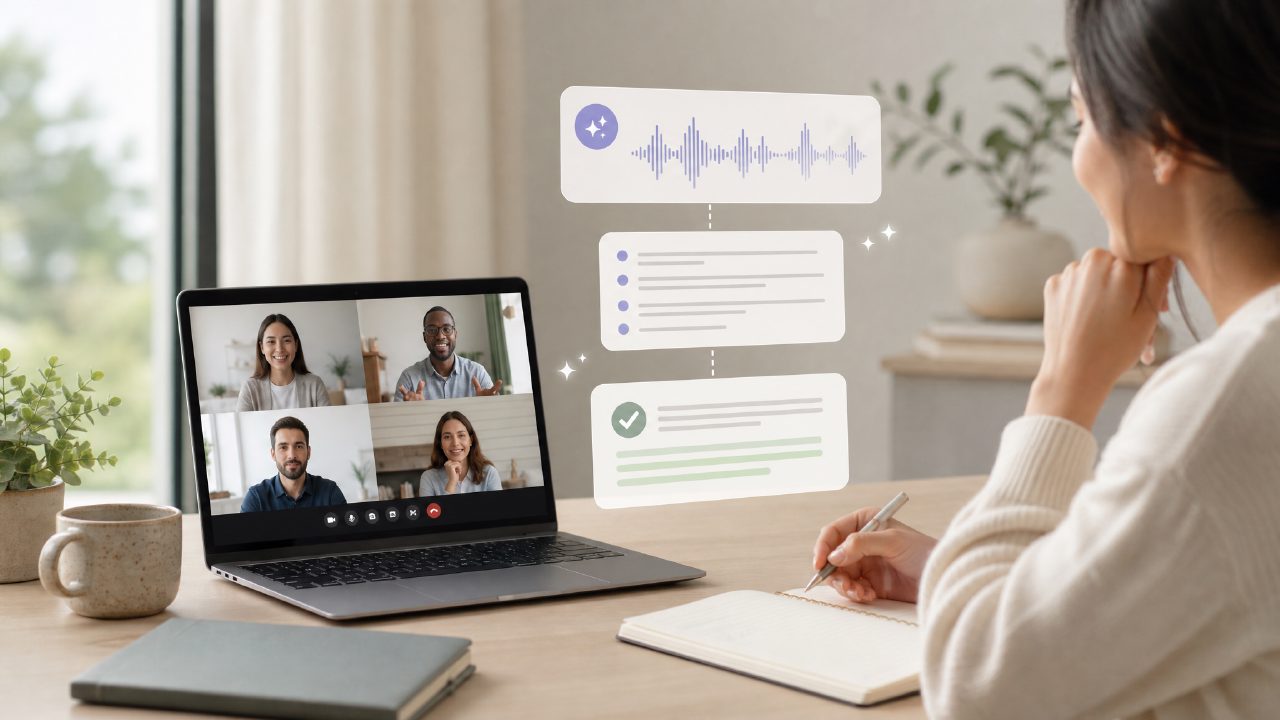
I've been on the hunt for a genuinely usable free ai transcribe and summarize meetings tool for a while. The problem with most of them is they oversell and underdeliver — hallucinations, missing action items, or you hit a paywall after two calls. So when I stumbled onto Meetly Notes, I went in skeptical. Here’s what I found, and more importantly, the common mistakes I see people making when they try free meeting transcription tools.
The #1 Mistake: Treating Summaries as Final Documents
The biggest gotcha with any free AI summary app is assuming the output is ready to paste into a project management tool. I tested Meetly on a weekly team sync — it correctly captured the major discussion threads and even flagged "follow up on the API migration" as an action item. But it also missed a subtle decision about bumping a deadline. You need to scan the summary. The AI is fast, but it’s not your brain. Treat it as a smart first draft, not a finished record.
Another common mistake? Not verifying speaker labels. Meetly does a decent job attributing quotes, but in a heated brainstorming session with overlapping speech, the attribution gets shaky. That’s not unique to Meetly — it’s a limitation of the category. But if you rely on who-said-what for compliance or feedback, you’ll want the full transcript open alongside the summary.
Free Tiers and Realistic Limits
When people search for a free ai meeting summary app 2026, they expect unlimited use. That’s not how the economics work. Meetly’s free tier gave me enough minutes for maybe five or six hour-long meetings per month — fine for a freelancer or a small team with occasional calls. But if you’re back-to-back in client meetings daily, you’ll hit the ceiling quickly. The tradeoff is that the free plan doesn’t nag you with popups, and the summaries are genuinely usable without upgrade.
I also noticed the export options on the free tier are limited to plain text and PDF. That’s fine for most people, but if you need an SRT file for captioning or a direct integration with Notion, you’ll need a paid plan. That’s a transparent limitation, not a hidden one, but it’s worth knowing upfront.
Accuracy: Accents and Jargon
I ran a test with a colleague who has a strong Indian English accent discussing Kubernetes deployment terms. Meetly handled about 80% of the transcription accurately — better than some paid tools I’ve tested, but still missing a few key acronyms. The summary, however, was surprisingly good at catching the overall plan despite the transcription gaps. That’s a pleasant surprise, but I wouldn’t rely on it for an audit trail of technical specs.
The cautious judgment here: Meetly is among the best free ai meeting summary app options I’ve tried for everyday team calls. But if your meetings are full of niche industry jargon or heavily accented speakers, expect to clean up the transcript manually.
What You Actually Need to Check
Before committing to any free AI meeting tool, look for three things: speaker diarization (who said what), action item extraction, and a summary that isn’t just a bullet list of each speaker’s first sentence. Meetly passes all three — its action item extraction is notably better than the competition, flagging phrases like "I’ll handle" or "can you take care of" alongside explicit deadlines.
One mild friction I hit: the web app works fine, but the mobile experience was a bit clunky for reviewing past meetings. I had to reload the page a couple times. Not a dealbreaker, but something the team likely knows about.
If you’re shopping around for a free ai transcribe and summarize meetings solution, Meetly is worth your first try. Just go in knowing the limits: you’re not getting a perfect editorial product, and you’ll still need human judgment to turn those notes into real next steps. But for the price — free — it’s a solid starting point.
Comments
Leave a Comment