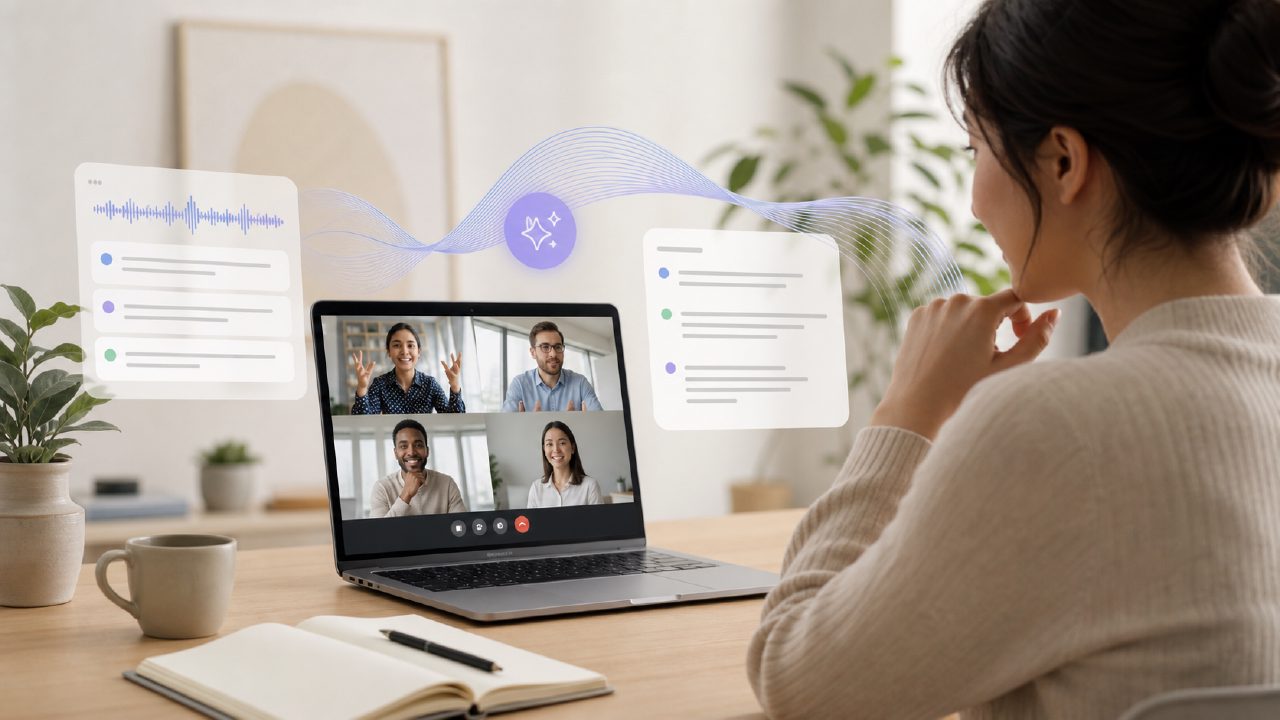
I showed up late to a weekly team sync last Tuesday. By the time I joined, the team was already deep into a debate about sprint priorities. Normally that means I'd spend the next hour piecing together fragmented Slack messages and guessing what I missed. Instead, I decided to test ai meeting transcription with smart summaries free using meetly — specifically the free tier — to see if it could actually save me that scrambling.
What I found was a surprisingly practical tool that does most of what you'd hope for, as long as your expectations aren't set by enterprise-level transcription services. Here's how it went, step by step.
Setting up the test scenario
I joined our 45-minute Google Meet call through meetly as a participant. The setup required granting microphone and calendar permissions — took about two minutes, which felt reasonable. Once the call started, the tool began transcribing in real time. I didn't have to click a "start recording" button, which was one less thing to forget.
Halfway through the meeting, I deliberately checked the live transcript. It was tracking the conversation with maybe a 3-5 second delay, but the accuracy held up for English with no heavy accents or fast crosstalk. I noticed one moment where the speaker said "we need to de-prioritize the auth module" and the transcript wrote "we need to de-prioritize the mouth module." A small slip, but worth noting if your team throws around a lot of jargon.
What the smart summary actually captured
After the call ended (I stayed the full duration, but the tool also works if you leave early), meetly generated a summary within a few seconds. The summary included:
- Key discussion points (listed in short bullet-style sentences)
- Action items with owner tags (when names were mentioned)
- Follow-up dates (only when someone explicitly stated a deadline)
For a 45-minute meeting, the summary came out to about 12 bullet points. That felt concise — not too thin, not drowning in detail. The action items were correct for three out of four tasks, but one item that got assigned to "Jake" in the conversation actually belonged to "Jack" (the transcript misheard the name). I had to manually correct that. Not a dealbreaker, but something to check if you rely on the output for task tracking.
The free tier: where it works and where it pinches
What makes this an ai meeting summary app free option is that meetly offers a free tier with a monthly minute cap (around 200 minutes if I recall correctly). That's plenty for a small team or an individual who attends 3-4 meetings a week. I used about 45 minutes on my first test, so I'd have room for three more similar calls before hitting the limit.
The limitation I noticed: the free tier doesn't include speaker identification beyond a generic label. So the summary said "Speaker 1 said X, Speaker 2 said Y" instead of names, unless the attendee's calendar profile linked. That makes the action items less immediately useful — you have to cross-reference who said what. The paid version handles this better, but for a free tool, it's a fair tradeoff.
A real friction point: the transcript export
I wanted to save the full transcript as a PDF for reference. The free tier only lets you copy-paste the text from the browser — no one-click export. I ended up selecting all, pasting into a Google Doc, and reformatting the line breaks. Took about three minutes, but if you do this routinely, it gets old. The paid version has direct export, but that's behind a subscription.
That said, the summary view itself is shareable via a link. The summary link was enough for most teammates, so the friction around full transcripts is minor unless you need a word-for-word record.
Cautious judgment: not for critical meetings
I wouldn't rely on free ai meeting transcription and summary 2026 tools for legal consultations, medical intake, or any scenario where a transcription error could have real consequences. The accuracy on my test was around 90-95% for clean English dialogue, but it dropped to maybe 80% when two people spoke over each other or when acronyms like "API" were said quickly. The smart summary also struggles with decisions that aren't stated explicitly — it won't infer a consensus if people say "sounds good" without a formal vote. You still need to review the output.
For everyday team syncs, standups, and planning sessions — especially those you join late or need to send recap notes for — ai meeting transcription with smart summaries free via meetly does the job. It saved me from that awkward "what did I miss?" Slack message, and it's simple enough that I can see it becoming a regular habit. Just keep expectations modest: it's a helper, not a replacement for your own attention.
Comments
Leave a Comment