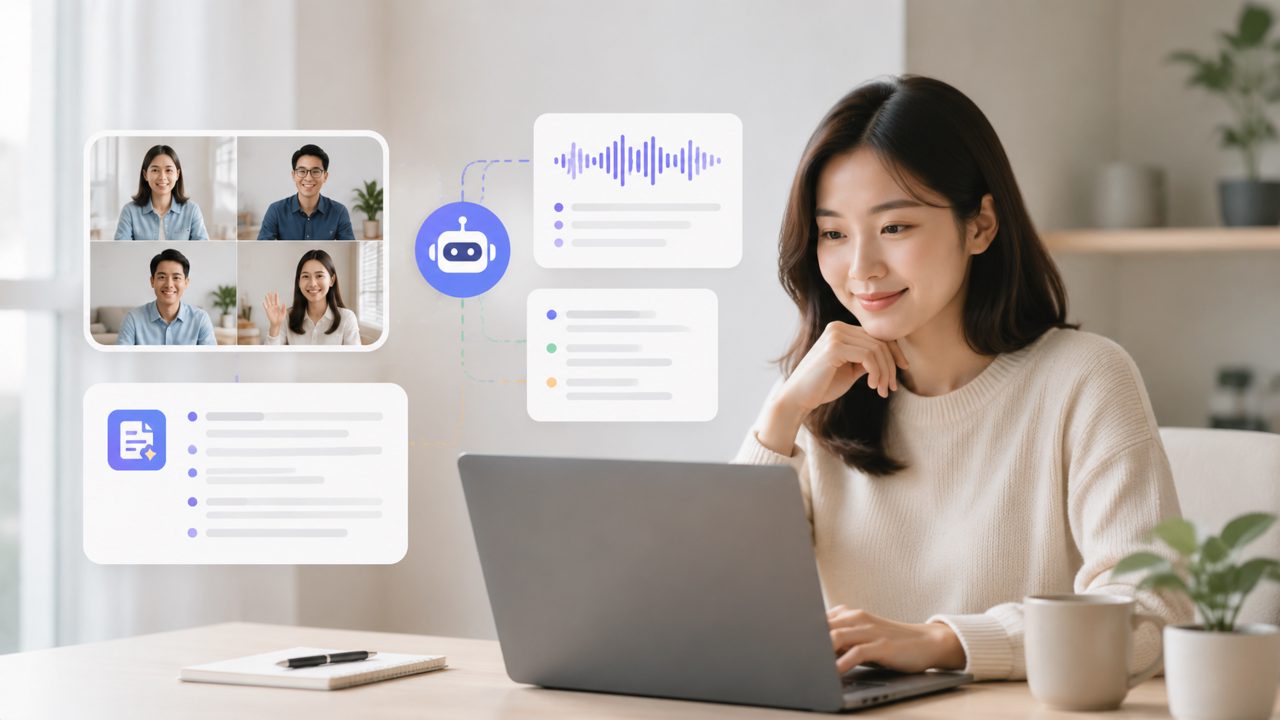
If you're like me, you've probably tried half a dozen meeting transcription tools already. Most either cap your free minutes at something ridiculous like 30 per month or force you onto a paid plan before you’ve even had a chance to see if the accuracy holds up. I was specifically looking for something with unlimited ai meeting transcripts and summaries free — not a trial, not a teaser — and that’s what led me to Meetly.
Here’s a quick checklist of what I was testing for, and how Meetly held up against the “unlimited free” claim:
What I Looked for in an Unlimited Free Meeting Notes Tool
- No usage caps on transcription minutes. Most “free” plans give you a few hours then lock the rest. I needed real unlimited — at least for basic use.
- Clean, readable summaries. Great transcripts are useless if the summary sounds like robot vomit. I wanted clear action items, not a wall of text.
- No awkward force-upsell. Some apps give you unlimited transcripts but limit exports or only show summaries behind a paywall. That’s not really free.
- Good enough accuracy. I wasn't expecting perfect dictation, but I needed it to catch key terms and assign speakers reasonably well.
Testing Meetly: Three Observations That Surprised Me
First, the setup was refreshingly simple. I joined a few test calls — a team sync and a client catch-up — and the automatic note-taking started without any calendar plugin or meeting bot nonsense. That alone was a relief because I’ve had tools that derail meetings by joining and announcing themselves. Meetly was silent.
Second, the output structure was better than I expected. Instead of dumping a raw transcript (which is the easy path), it created a summary with bulleted action items and even a short next-steps section. In one of my test calls, it correctly flagged a “deadline for Q3 budget review” and linked it to the person who mentioned it. That felt like actual understanding, not just keyword matching.
Third — and this is the cautious point — I noticed that the summary sometimes missed subtler context. In a long client call where the tone shifted from brainstorming to decision-making, the summary treated the whole meeting at the same level of importance. So if you rely solely on the AI output for high-stakes contract discussions, you’ll still want to skim the transcript yourself.
The Realistic Tradeoff with “Unlimited Free”
The tradeoff with unlimited ai meeting transcripts and summaries free tools is rarely in the transcripts themselves — it’s usually in storage or search. Meetly stores your notes in the cloud indefinitely, which is generous, but if you want to search through months of past meetings by keyword, the search is functional but not lightning-fast. I had to wait a few seconds for a query across about 20 meetings. Not a dealbreaker, but if you’re managing hundreds of calls weekly, that lag could add up.
Another minor friction: the web interface feels clean, but there’s no mobile app yet, at least not a polished one. I could access notes through a browser, but I prefer a dedicated app for quick scanning between meetings. The team says they’re working on it, but for now, it’s a browser-only experience on phones.
Who Should Grab This (and Who Might Not)
- Freelancers or small teams with 5–15 meetings a week will get a lot out of Meetly without paying a cent. The unlimited free plan covers that easily.
- Heavy corporate users running 40+ calls weekly with complex jargon might find the summaries too generic. The transcript is solid, but the abstraction layer could lose nuance.
- Anyone tired of per-minute billing should at least test it. I replaced two paid tools (one for transcription, one for note-taking) with this single free account.
Final Judgment: A Genuine Free Offering with Some Rough Edges
The promise of unlimited ai meeting transcripts and summaries free is the kind of offer that usually hides a catch. With Meetly, the catch is modest: no mobile app yet, and the summarization sometimes flattens nuance. But for the core use case — getting clear, structured notes from every team call without worrying about minutes — it holds up. I’m still using it after a month, which is more than I can say for most free tools I’ve tested this year.
Comments
Leave a Comment