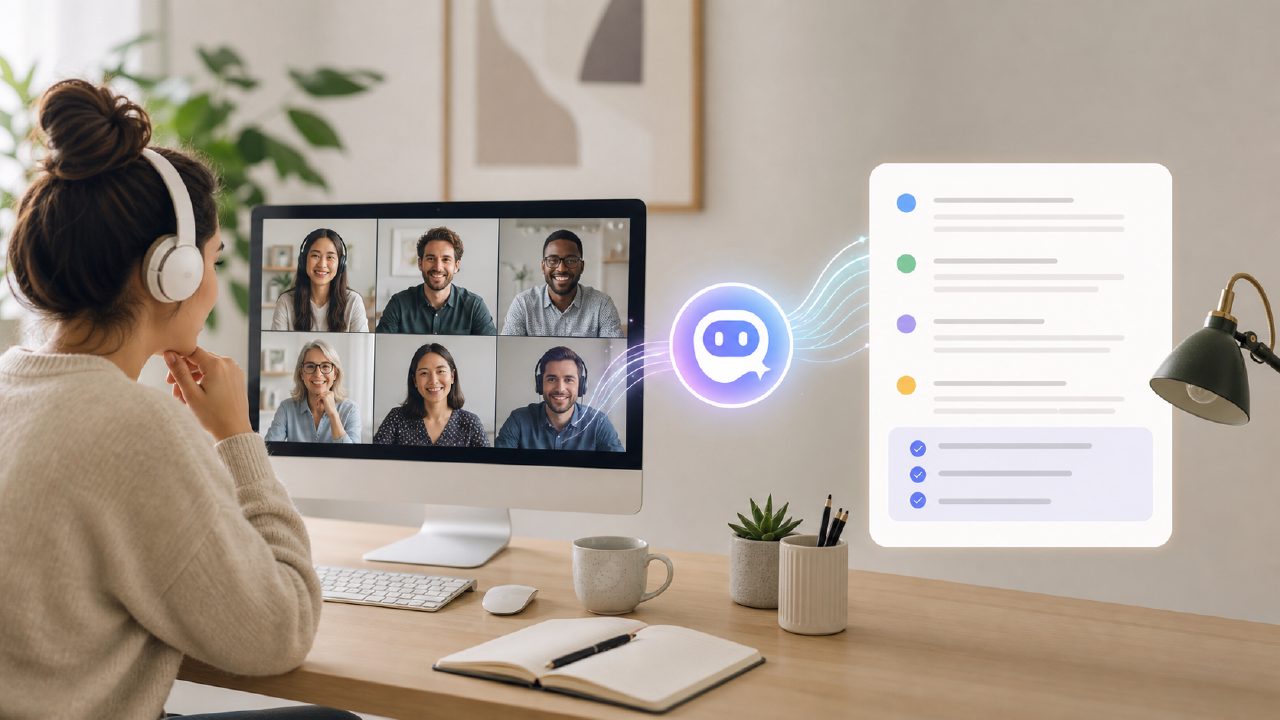
I’ve been managing a small remote product team for about a year, and the one thing that kept slipping was meeting notes. We’d leave a call, everyone remembering a slightly different version of what was decided. Manual note‑taking during discussions just doesn’t work when you’re also trying to facilitate the conversation. A few months ago I started testing dedicated transcription tools, and that’s when I tried meetly – specifically its Notes feature.
What stood out in real use
The first thing I noticed was how quickly meetly processed recordings. For a typical 45‑minute weekly stand‑up, I had the transcript and summary about two minutes after ending the call. The summary wasn’t just a bullet list – it grouped key points by topic, which helped me see where discussions drifted off agenda.
Accuracy was generally solid, but it’s not flawless. For example, it once transcribed “Jira board” as “Gira board” – not a huge deal, but if you rely on exact terminology, you may need to skim the raw transcript. On the other hand, action item extraction surprised me: in a sprint retro where someone rambled about timeline delays, meetly correctly picked out “Maria to update the sprint timeline by Friday.” That alone saved me from replaying the recording later.
Where it fits and where it doesn’t
If you’re looking for a meetly ai meeting summary tool that works well with team calls, this is worth trying. I’ve used it primarily for internal check‑ins and client status updates. For client calls, I appreciated the option to share the transcript directly – it cut down “did we agree on that?” emails.
The free tier is generous enough for small teams. If you’re after an ai meeting summary app free and your weekly meeting volume stays under a few hours, meetly gives you solid value. However, the free tier has a recording length limit (around 60 minutes per meeting). For longer retrospectives or deep‑dive technical discussions, you’ll bump into that cap quickly.
A realistic tradeoff
After a month of testing, I settled on a pragmatic workflow: I use meetly for routine meetings, but for especially sensitive or highly technical discussions, I still take manual notes as a fallback. The AI summary is reliable enough for capturing decisions, but nuance – like why someone argued against a particular approach – can get flattened. For a project lead who needs to understand context, the summary alone isn’t always enough.
Also, as of now, meetly doesn’t natively integrate with project management platforms like Asana or Trello. You can copy action items manually, but that extra step can break your momentum. It’s not a dealbreaker, but it’s worth noting.
Looking ahead
For free ai meeting transcription and summary 2026 tools, meetly’s free tier remains a strong contender – especially if you join early or catch promotion cycles. The core function works without fuss, and the summaries are readable without feeling robotic. Still, I wouldn’t trust it blindly for critical compliance or contract‑related meetings. It’s a time‑saver, not a replacement for your own judgment.
Overall, I keep using meetly because it cuts the friction of note‑taking for the majority of my 项目管理 tasks. The key is knowing where to trust it and where to double‑check – that balance has made it a useful, if not perfect, part of my weekly routine.
Comments
Leave a Comment