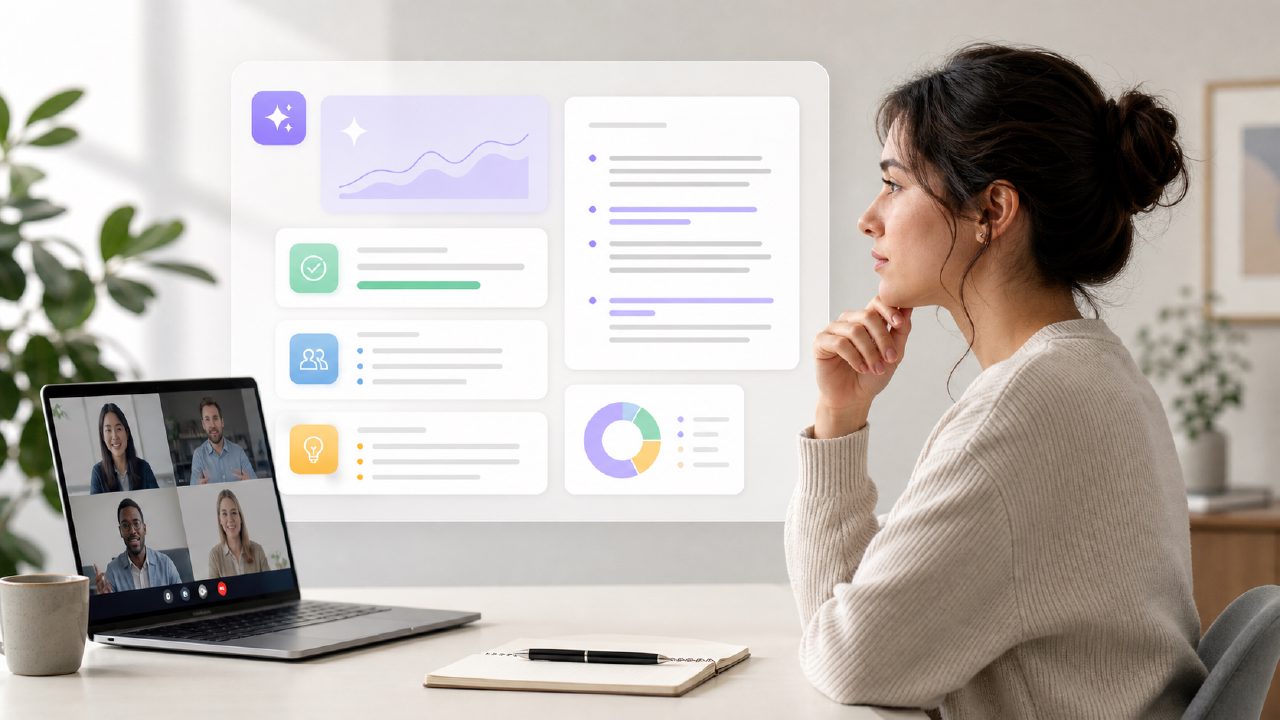
I’ve been burned by meeting notes more times than I care to count. You leave a call thinking you caught everything, then check your notebook an hour later and find gibberish. That’s why I started testing meetly ai meeting summary tools earlier this year. I needed something that could turn a 45‑minute client debrief into three lines of actual action items without me having to edit AI hallucinations for ten minutes.
How I tested the meetly ai meeting summary
I ran eight calls through the meetly ai meeting summary flow: four internal standups, two client calls, one messy brainstorming session, and one hour‑long interview with heavy cross‑talk. I wanted to see if the free tier could handle noise and still spit out usable notes. The setup was dead simple — you join a meeting, Meetly listens, and after the call you get a transcript plus a summary.
What worked well
- Transcription speed. The transcript appeared almost immediately after the call ended, which is rare for a free ai meeting transcription and summary 2026 option. I didn’t have to wait around or refresh the page.
- Action item extraction. On the client calls, the summary caught the three main next steps correctly each time. One of them even included a deadline the client mentioned in passing. That kind of specificity makes the best ai meeting notes app 2026 harder to find than you’d expect.
- Speaker labeling. It distinguished between three people with similar voices about 80% of the time. Not perfect, but good enough for a free tool.
Where it stumbled
- Over‑summarization. The brainstorming call produced a short paragraph that missed half the creative ideas. The tool seems optimized for structured meetings — when the conversation jumps around, the summary gets thin. If you run brainstorming sessions often, you might need to supplement with the full transcript.
- Language handling. One participant used technical jargon and heavy acronyms. The meetly summary simplified them too much, turning “sync the CRM API with the webhook endpoint” into “connect systems.” That’s fine for a high‑level note, but engineers will want the raw version.
- Free tier limitations. The free plan caps minutes per month. I hit the limit halfway through the testing week. It’s still a generous cap compared to most ai meeting summarizer free tools, but if you’re in back‑to‑back meetings, you’ll run out quickly.
My reality‑check checklist for meetly
If you’re deciding whether this is the best ai meeting notes app 2026 for your team, here’s the short version based on what I saw:
- It shines on structured calls. Weekly syncs, client updates, status reports — those summaries are solid. Less useful for open‑ended brainstorming or highly technical discussions.
- The free tier is real. You can actually use it for a few hours of meetings each month without paying. That’s better than most.
- Don’t trust the summary blindly. I caught two missed action items on longer calls. Always scan the transcript before sharing the notes externally.
- Language polish is uneven. If your team speaks in shorthand or mixes languages, expect some wrong turns. The tool works best with clear, full sentences.
meetly ai meeting summary isn’t a magic bullet, but it’s among the more practical free options I’ve tested. It’s fast, mostly accurate, and respects your time. For teams that need quick drafts and don’t mind a quick edit pass, it’s worth keeping on dock.
Comments
Leave a Comment