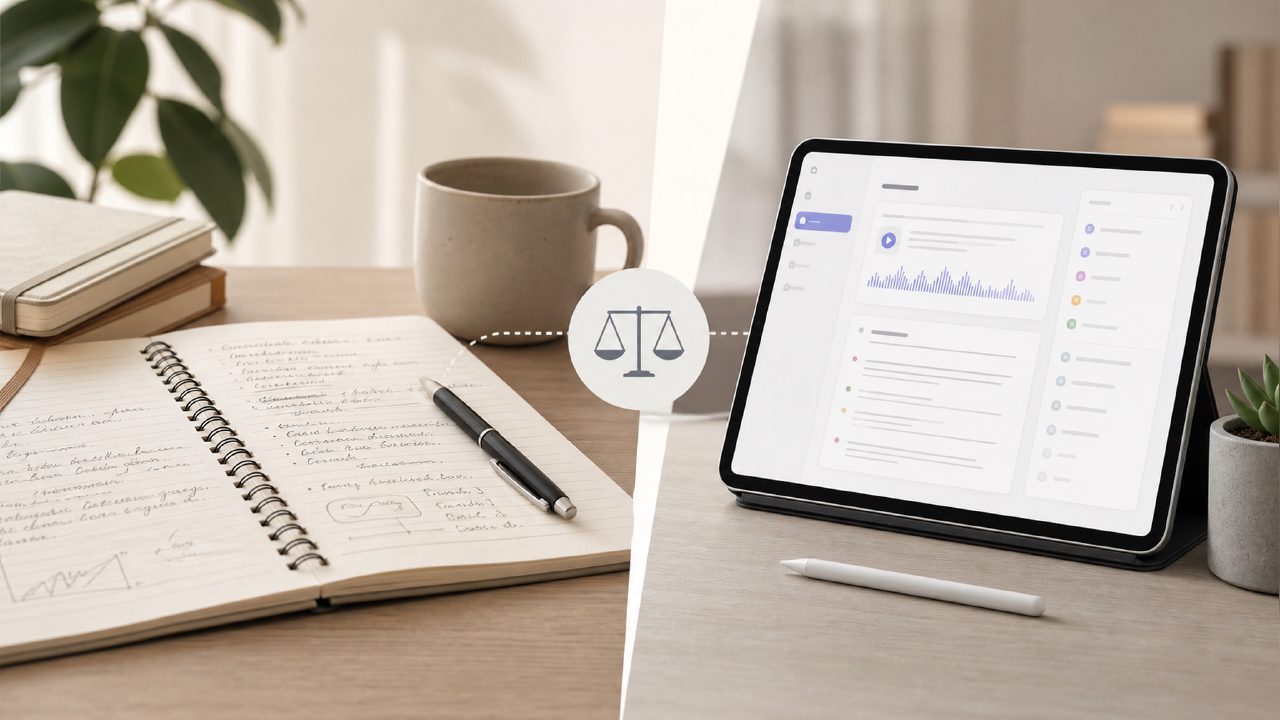
I wanted to like an AI note-taker. For years, I took my own notes, mostly because I didn't trust a bot to get the nuance right. But the volume of calls got too high, and I started testing options. This review focuses on a specific meeting notes app I spent a few weeks with: meetly. I ran it through several real team calls—some messy, some structured—to see if it could actually replace my notebook.
Does Meetly actually get the summaries right, or is it just a transcript dump?
Honestly, the structure surprised me. It doesn't just throw a wall of text at you. It breaks it down into key points, action items, and follow-ups. During a 45-minute product sync, it correctly surfaced a decision to delay a feature. That was a good first impression.
But—and this is where I got cautious—it sometimes missed the subtext. It captured the what but not the why. For a quick recap, it's solid. If you need deep context, you'll still want to scroll through the raw transcript. That tradeoff matters more than you think.
How well does the free version hold up?
This is where the "best free ai meeting summary app" question comes in. The free tier is generous enough for a small team or a solo operator. It transcribes, summarizes, and identifies speakers without much hassle.
The limitation shows up in search and history. If you need to look back at something from two months ago, the free tier won't keep it indexed forever. You pay for retention and longer context. Still, for testing whether it fits your flow, the free plan is a fair entry point. Whether it remains the best free ai meeting summary app 2026 will depend on how they handle retention limits as more users pile in.
Is speaker identification actually usable in a real meeting?
I tested it in a relatively quiet home office and in a busier environment. In the quiet room, speaker ID was accurate enough to follow. In the noisy room, it started assigning statements to the wrong person pretty frequently.
If your team uses good mics and limits background noise, it works fine. If you're on a call with someone who sounds like they're calling from a moving car, the transcript gets a bit scrambled. Not a dealbreaker, but good to know before you rely on it for formal documentation.
Does it integrate easily, or is setup a pain?
Meetly connects to Google Meet and Zoom without much drama. The bot joins automatically if you set it up properly. The mild friction is that it doesn't handle every scheduling nuance perfectly. If you have a recurring meeting that sometimes switches links, it can get confused.
But for standard workflows, it joins, listens, and leaves without anyone really noticing. That's the ideal behavior for a background tool. You don't want to be the person who spends ten minutes configuring a bot before every standup.
What makes this different from Otter or Fireflies?
Meetly feels leaner. It pushes action items to the front of the output. If your primary goal is to walk away with a clear checklist of who does what next, it does that better than most tools I've tested.
The downside is that the search isn't as deep. It's optimized for next steps, not for building a searchable knowledge base. For team leads who just want accountability, that tradeoff works. For researchers or legal teams who need precision recall, you might outgrow it within a few months.
So, should you use it?
If you're tired of guessing what you agreed to in a meeting, Meetly is worth trying. It's not perfect—it struggles with noise and misses context sometimes. But for a meeting notes app, it does the main job: it tells you what just happened and what comes next. That's more than most note-taking habits accomplish on their own.
Comments
Leave a Comment