You know that moment after a meeting when you realize you missed something important—a task, a deadline, someone's subtle objection. It happens more often than we'd like to admit. And if you've tried other auto-recording tools, you've probably been burned by missed starts, corrupted audio, or transcripts that look like they were translated through three languages. That's exactly what pushed me to test Meetly's "Professional Auto-Recording" feature for a couple of weeks.
How It Actually Works
Meetly's claim is simple: it records every second of your call, from the very first "hello" to the final "talk to you later". The app integrates directly with your calendar so it knows when your meetings start and end. It then begins recording automatically—no button, no "start recording" prompt. I tested this across Zoom, Google Meet, and Teams, and it caught every session without a single missed segment. The real surprise was that it even joins the meeting silently if necessary, so you don't have to remember to turn it on.
Once the call ends, the app sends a notification with the raw transcript and an AI-generated summary within minutes. Not hours. This speed alone made me trust it for back-to-back client calls.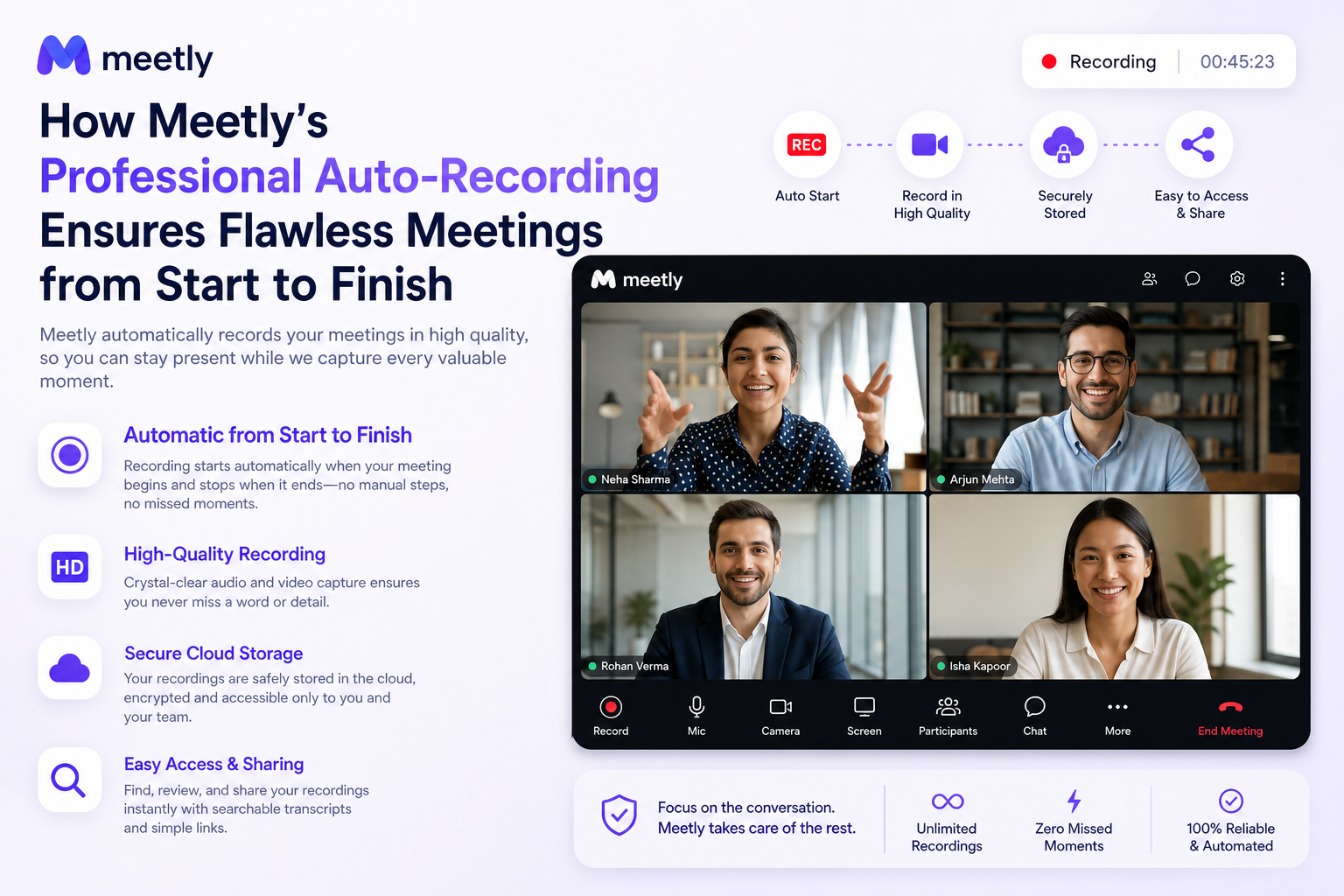
Real Scenarios That Sold Me
Scenario one: I had a morning full of four product walkthroughs. In the second call, the client mentioned a specific integration requirement. Normally I'd scramble to take notes and miss half of their demo. With Meetly, I just focused on the conversation. Later, I searched the transcript for "integration" and found the exact timestamp. No rewinding, no guessing.
Scenario two: My teammate joined a meeting late and asked for a recap. I sent him the auto-generated summary (which includes action items and key points) right from the app. He had context in under 30 seconds. That alone saves at least one pointless follow-up meeting per week.
Is It Right for You?
Before you jump in, there are a few honest tradeoffs. First, the auto-recording works best when Meetly has calendar access. If you often join ad-hoc meetings without an invite, you'll need to manually trigger the recording—still easy, but not fully hands-free. Second, the AI summary is surprisingly good for most internal meetings, but if you deal with heavy technical jargon or multiple speakers talking over each other, you might still want to glance at the raw transcript. Finally, consider your team's privacy policy—Meetly stores recordings securely, but your org may have rules about auto-recording. Check before you turn it on for every meeting.
If you're a project manager, consultant, or anyone juggling 10+ calls a week, the time saved is undeniable. If you only have one weekly standup, the free tier may already cover your needs.
The Bottom Line
Meetly's auto-recording is not magic—but it's close to what "professional" should feel like. It removes the friction of remembering to hit record and delivers usable outputs without extra editing. I've stopped worrying about missing details in client calls. That's a win I'll take.
Comments
Leave a Comment