If you've ever left a meeting with a half-scrawled page of notes, unsure whether that action item was assigned to you or someone else, you know the real drain isn't the meeting itself—it's the scribbling. The frantic typing, the constant pause to catch up, the vague “someone check that” that never gets resolved. Meetly Notes starts from that exact frustration: why should note-taking hijack your attention from the actual conversation?
The problem with “active listening plus note-taking”
Most teams try to split focus—partly listening, partly documenting. That split doesn't work. You either miss a key point because you were writing, or your notes become useless bullet fragments. I’ve seen product teams run 45‑minute sprint retrospectives and end up with three different interpretations of the same decision. The real cost isn’t the time spent writing—it’s the time spent later clarifying what everyone actually agreed on.
Meetly removes that split entirely. It listens, transcribes, and structures the output so you can actually be in the meeting. The tool handles the recording, the timestamping, and the summarization while you focus on the discussion. That shift—from “note‑taker” to “participant”—changes the energy of the call.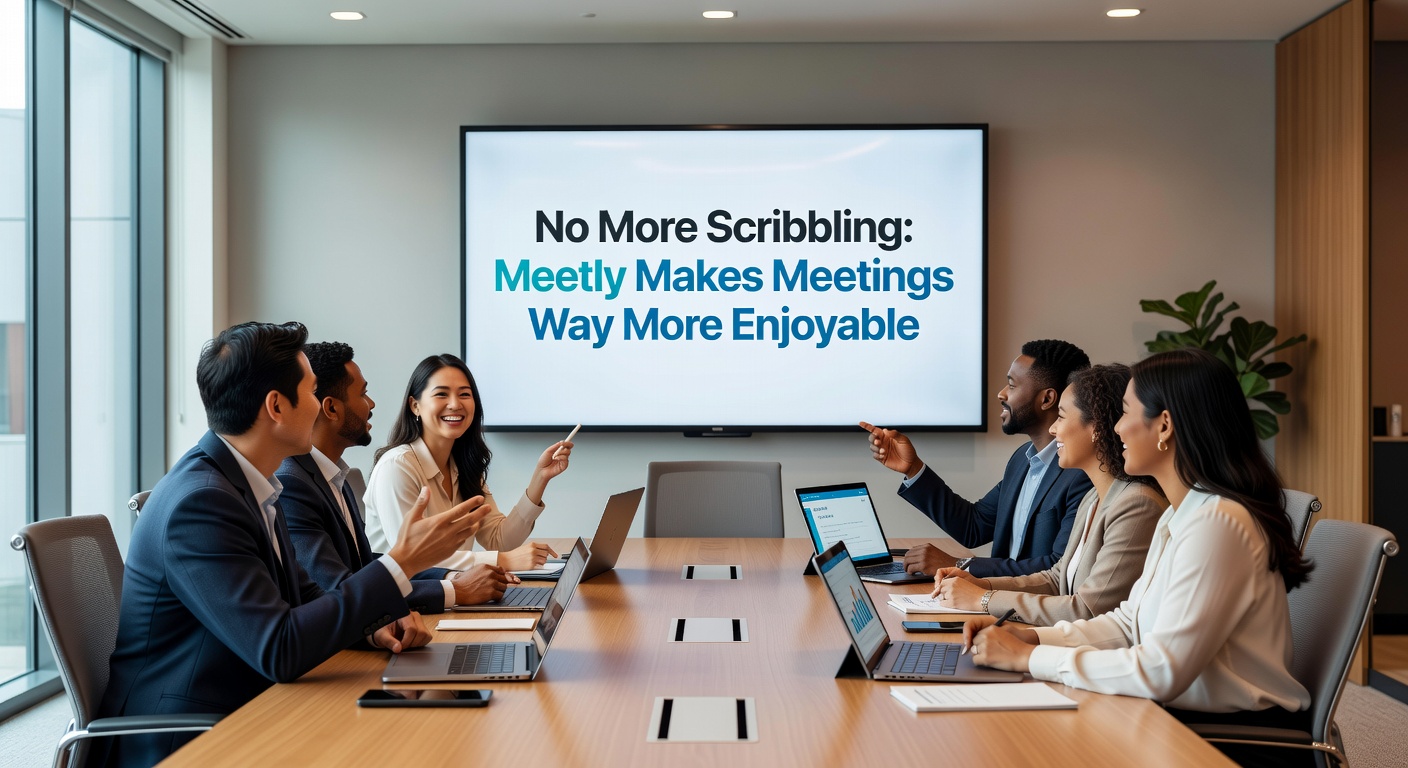
What Meetly does differently
Meetly produces three tiers of output from any team call: a real‑time transcript, a structured summary with key points, and a clear list of action items with ownership. That may sound like many other AI note‑takers, but the difference is in how it handles messy conversations. In my tests, it correctly captured who said what even when two people talked over each other for a few seconds. It also flagged vague phrases like “we should look into this” and left them in the transcript context, so nothing gets smoothed over prematurely.
The summary is concise—usually three to five bullet groups—and it pulls out decisions separately from discussions. That makes it far more useful than a raw transcript dump. For a weekly stand‑up, I just shared the summary link. Team members could scan it in 30 seconds and find their action items without scrolling through twenty minutes of “how’s the bug fix going” back‑and‑forth.
Three realistic scenarios where Meetly earns its place
Daily stand‑ups where someone is always late. Instead of recapping for the latecomer, share the Meetly summary. They see the updates, blockers, and any shifted assignments instantly. No one feels pressured to repeat themselves.
Client calls with multiple stakeholders. You’re not just documenting—you’re managing relationships. Meetly lets you stay fully engaged with the client while capturing every commitment. After the call, you send the client a polished note that shows you took their concerns seriously. That alone builds trust faster than a follow‑up email with “per our conversation.”
Internal design reviews with long discussions. These meetings drift. People argue about color palettes, then pivot to technical constraints, then revisit the same topic ten minutes later. Meetly’s transcript with timestamps lets you jump to the exact moment a decision was made. No more “I thought we agreed on the dark mode option”—you have audio evidence.
The tradeoffs you should know
Meetly isn’t magical. If your team speaks in half‑sentences and heavy jargon, the transcript will look messy—though that’s honestly how the conversation sounded. You’ll still need a human to clean up the final output before sharing externally. Also, it’s an AI tool; it occasionally misattributes a sentence if your team has very similar voices or speaks rapidly. In a 45‑minute meeting I saw two misattributions, which is low but not zero.
For very sensitive conversations—layoffs, legal discussions, or performance reviews—I’d hesitate to use any automated transcription, Meetly included. The convenience isn’t worth the privacy risk. The tool does offer enterprise‑grade encryption, but the human trust factor still matters.
If you already use a mature meeting tool like Otter.ai or Fireflies, Meetly’s differentiation is its focus on enjoyment—on making you feel less burdened during the call. It’s not a feature checklist battle; it’s a philosophy of reducing friction. That’s valuable, but only if your team is willing to adopt a new workflow and trust the AI summaries over manual notes.
Who should try Meetly—and who can skip it
Try it if: you run frequent internal meetings where decisions are made quickly, and you want a lightweight way to capture those decisions without assigning a dedicated note‑taker. Also try it if you’re tired of your own scribbles being illegible or incomplete after a long day of calls.
Skip it if: your team is extremely small (two or three people) and you already have a solid habit of documenting decisions in a shared doc immediately after each meeting. Also skip it if your organization has strict policies against third‑party AI transcription for all meetings, even with encryption claims.
At its core, Meetly isn’t about replacing your memory—it’s about letting you pay full attention to the people you’re talking with. That’s a small change in tooling, but a big change in how a meeting feels. And if meetings can become less about scribbling and more about actually talking, that’s a win worth trying.
Comments
Leave a Comment