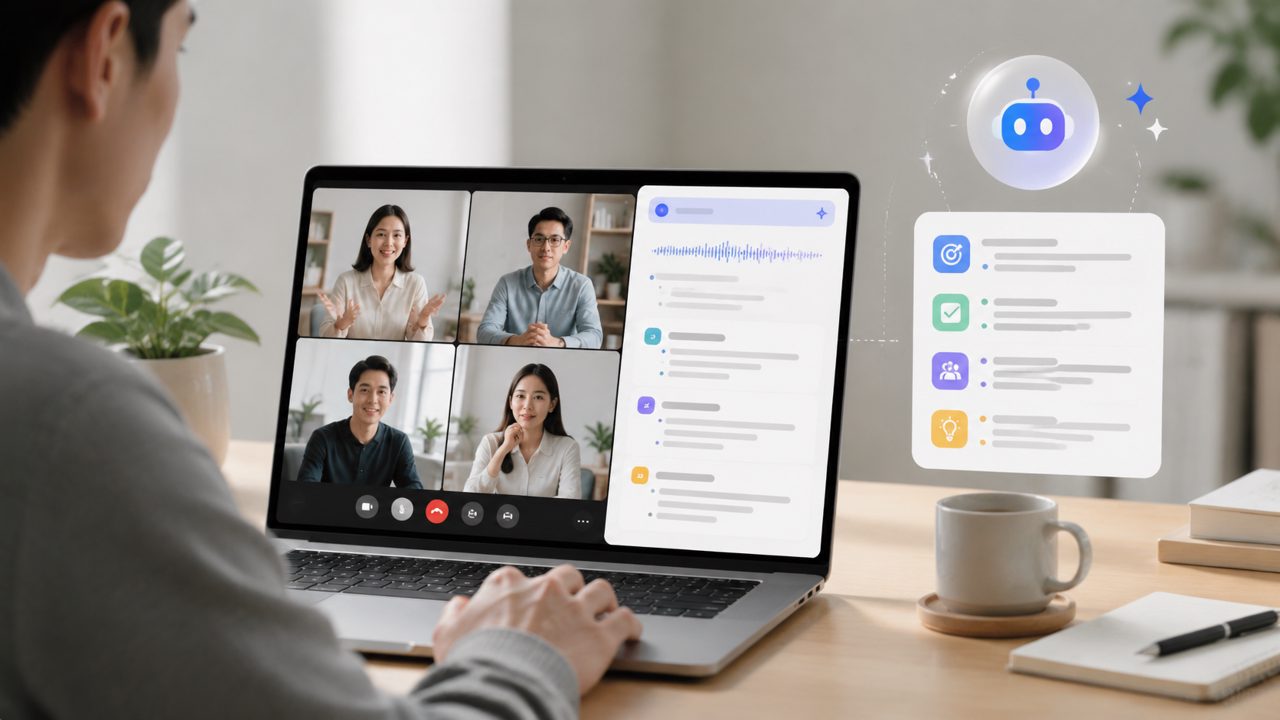
I’ve been testing real-time AI meeting summarizers for a few months now. The appeal is obvious: no more frantically typing notes during a call, no more hunting through recordings for one decision. But actually picking one that works—without breaking your workflow or budget—is tougher than it looks. Below are answers to the most common questions I hear, based on my own hands-on time with Meetly and a few other tools.
What makes a real-time AI meeting summary tool different from recording and then transcribing?
The big difference is speed. With a tool like Meetly, the summary appears while the meeting is still happening, or right after it ends. You don’t have to wait for a recording to process or sit through a full transcript. I tested it on a 30-minute standup: within two minutes of the call ending, I had a bullet list of updates, blockers, and action items. That’s genuinely useful for quick reviews.
But there’s a tradeoff. Real-time summaries tend to skip quieter speakers or overlap. In one longer brainstorming session, the AI missed a key idea because two people spoke at once. So while it saves time, you still need to scan the raw transcript if the details matter.
Is there a free AI meeting summarizer that actually works?
That’s the question that led me to test Meetly in the first place. Yes, it offers a free tier—enough for a handful of meetings per month. For a small team on a budget, that’s one of the best ai meeting summarizer free options I’ve seen. The free version gives you summaries and basic transcripts, but you lose longer recordings and some export options after the trial period.
I’d say it’s worth starting with the free plan to judge accuracy for your own team’s jargon and call length. Just be aware you’ll need to upgrade if you have heavy call volumes.
Will a real-time AI meeting notes app like Meetly save me time, or create more work?
On balance, it saves time. I ran it on a 45-minute sprint retrospective. The summary captured every action item correctly, which saved me 10 minutes of manual note cleanup. But I did notice one consistent friction: the AI sometimes misattributes who said what. In a tense discussion about deadlines, it credited the wrong person for a decision. That’s a mistake you’d catch only if you’re still half-listening during the call.
My qualified take? It’s excellent for routine standups and client calls where you just need a reference. For high-stakes conversations, I’d still keep my own summary alongside it. But for general use, the time saved outweighs the occasional correction.
How accurate is Meetly with technical or industry-specific terms?
This was a concern for me because my team uses a lot of acronyms and product names. I tested it with a demo call that included “CI/CD pipeline,” “API rate limiting,” and “wireframes.” Meetly handled the first two perfectly, but it wrote “wireframes” as “wire frames” in the summary. Not a dealbreaker, but a reminder that the dictionary still misses niche words.
For most teams, I’d say accuracy is solid. If you’re in a field with heavy custom terminology (medical, legal), you might want to check the transcript more carefully. The tool does learn over time, though—I saw improvement after a few uses.
Is Meetly the best free AI meeting summary app for 2026?
Calling anything “the best” feels premature, but Meetly is certainly one of the strongest contenders I’ve tested for the best free ai meeting summary app 2026 conversation. Its real-time summaries are fast, the UI is clean, and it integrates with Zoom, Google Meet, and Teams out of the box.
That said, “best” depends on your exact needs. If you require deep analytics, custom vocabulary, or native mobile apps, another tool might fit better. For teams that just want a straightforward, reliable real time ai meeting summary tool without a learning curve, Meetly is a very practical pick.
Can I use Meetly with the platforms my team already uses?
Yes. I tested it with Google Meet and Zoom. In both cases, installation took under a minute—a browser extension and a calendar sync. The bot joins your calls and produces the summary. For Zoom, I had to grant meeting recording permission once, but after that it worked automatically. Teams integration worked similarly, though I only tested it twice.
One minor limitation: if your calendar is messy (multiple events with the same name), the tool sometimes attaches summaries to the wrong meeting. It’s not a major issue, but you’ll want to double-check the title before clicking.
Final thought
If you’re looking for a real time ai meeting summary tool that’s functional, low-friction, and comes with a honest free tier, Meetly is worth trying. It won’t replace your own attention entirely—no tool does yet—but it will cut down the note-taking chore noticeably. Start with a few test meetings, see if the accuracy matches your team’s needs, and decide from there. That’s the most grounded approach I’ve found.
Comments
Leave a Comment