You’re in back-to-back meetings all day. By the time you finish the third one, you’ve already forgotten who said what in the first. And those “action items” you jotted down on a sticky note? Probably lost somewhere between Slack DMs and your second coffee.
That’s the exact pain point that made me want to test Meetly Notes. I’ve tried a bunch of AI note-takers—Otter, Fireflies, even just letting Zoom transcribe. Some are too noisy, others miss the point completely. Meetly claims to turn conversations into clear meeting notes, transcripts, and summaries, with action items and follow-ups extracted automatically. Sounded too good. But after a week running it on my actual calls, here’s what I found.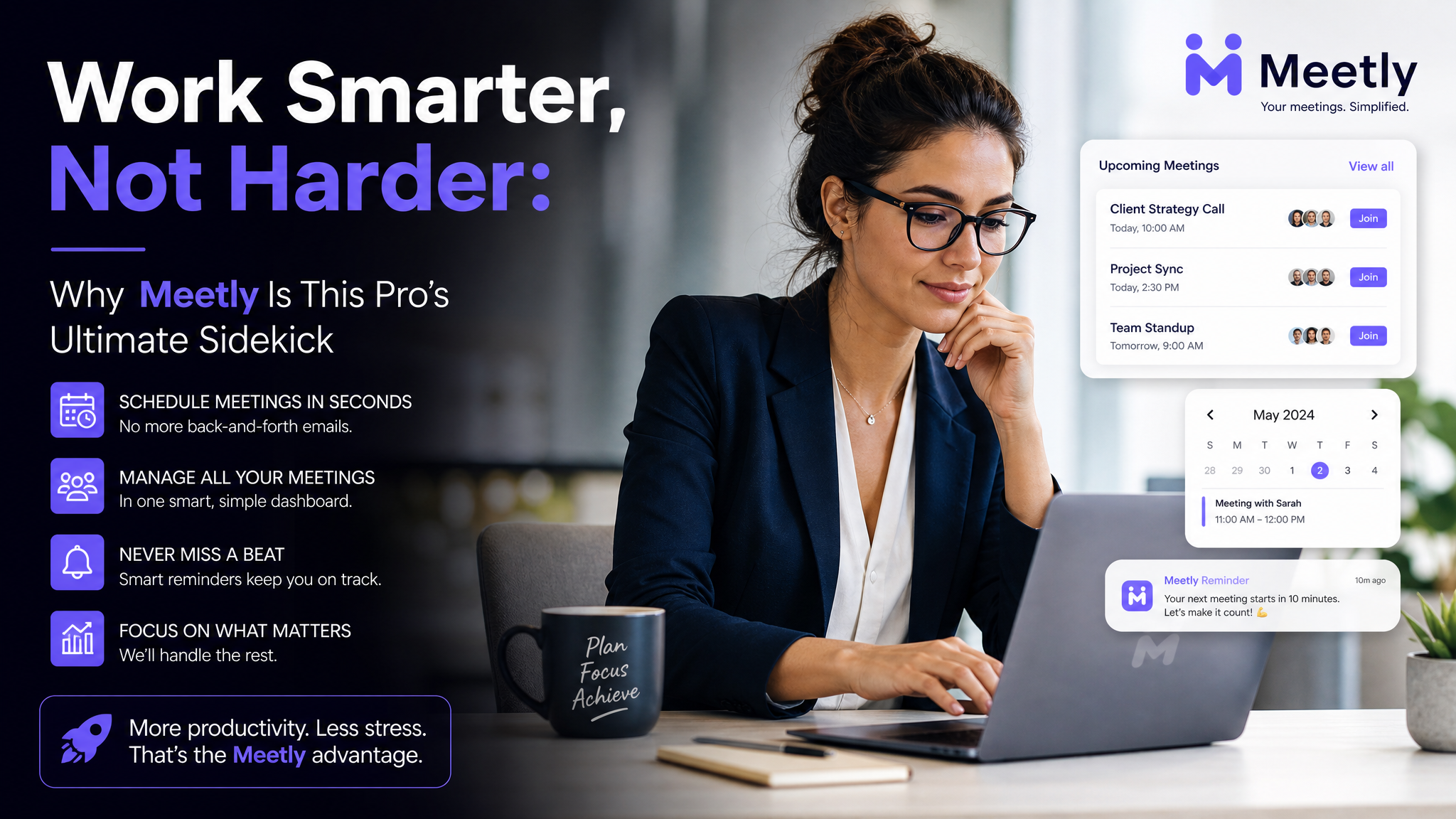
What it actually does
Meetly joins your video calls (Google Meet, Zoom, Teams) and listens. Then it spits out a structured note: a short summary, a full transcript if you want, and a list of key points with assigned action items. No manual tagging needed.
I threw it into a messy 45-minute product review where three people talked over each other, someone shared their screen for 15 seconds, and half the decisions were implied. The output caught the main decisions—feature priority, who owns what, next check-in date—and even flagged a follow-up that the PM mentioned in passing but nobody wrote down. That’s the kind of thing I usually miss because I’m too busy trying to type.
Real use cases that clicked
Freelancers and small teams
If you don’t have a dedicated note-taker, you’re either writing notes during the meeting (and half-listening) or trusting your memory afterward. Meetly removes that tradeoff. For a solo consultant or a 5-person startup, it’s like an extra teammate who never zones out.
Remote async work
My team is spread across three time zones. A 30-minute sync at 9 AM GMT leaves the APAC folks out unless they stay up. With Meetly’s transcript and summary, they can catch up at 8 PM their time and still see the action items in their own inbox. That alone saves two email threads per week.
Client calls you need to revisit
Client calls often involve soft language: “we’ll think about it,” “maybe next quarter,” “let’s circle back.” If you rely on memory, you might miss the nuance. Having a searchable transcript lets me go back and find the exact wording, which is gold for follow-up proposals.
Where it falls short (real talk)
No tool is perfect, and Meetly has two tradeoffs you should know about.
First, it’s best at structured conversations. If your meeting is pure brainstorming where people throw out half-baked ideas and no one makes a decision, the summary can be vague. It’ll list topics but not the energy or the “why.” For creative sessions, I still like to scribble notes manually and just use Meetly’s transcription as a backup.
Second, privacy. Some organizations have strict policies about third-party bots recording meetings. Meetly says it processes data securely, but you probably want to check with your compliance team if you’re in healthcare, legal, or finance. Also, it joins via calendar invite—so everyone in the meeting sees a “Meetly” participant. That’s transparent, but some clients find it weird at first.
Is it for you?
If your meetings average 30 minutes or longer, and you regularly leave calls with unclear next steps, Meetly Notes will pay for itself in time saved within a week. But if most of your meetings are quick check-ins (<15 min) with clear spoken outcomes, or if you work in a highly regulated field, you might want to try the free tier first and see how comfortable you feel.
It’s not a magic wand—it won’t reinterpret tone or read your boss’s mind—but for what it does (transcribe, summarize, extract actions), it’s surprisingly solid. And for a young professional who wants to stop playing secretary and actually participate in meetings, that’s a real upgrade.
Comments
Leave a Comment